
Visualizing Modular Arithmetic
Loading the math board and drawing, please wait…
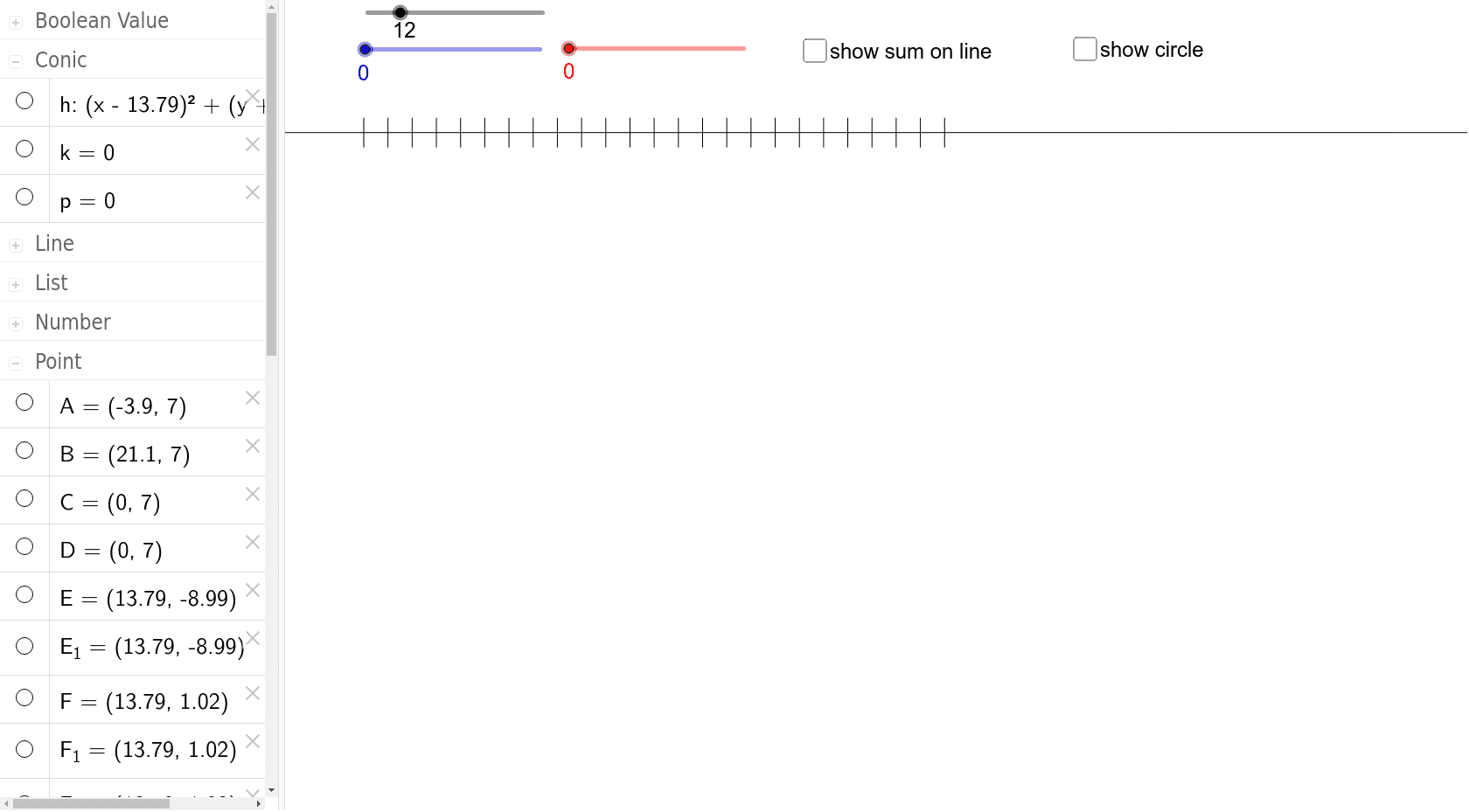
This example demonstrates the visualization of addition in modular arithmetic using a clock with n hours. It involves core math concepts like modular arithmetic and number theory. Construction uses commands like Line, Segment, Circle, Mod, Rotate, Sequence, Arc. Suitable for high school mathematics learning and understanding the visual representation of modular operations.
GeoGebra Commands & Parameters
Line(A, B) → aSegment(Point[{0, 7}], C) → dCircle(E, 10) → hMod(f, l) → iRotate(G, (((24 - b / 2 - c / 2) * 30))°, E) → G_pRotate(F, (((24 - b) * 30))°, E) → F_bSequence(Segment[((t * 20 / l), 6), ((t * 20 / l), 8)], t, 0, (2 * l), 1) → list1Segment(C, D) → eSequence(Rotate[F, ((t * 360 / l))°, E], t, 1, l, 1) → list2Sequence(Segment[E, Rotate[F, ((t * 360 / l))°, E]], t, 0, l, 1) → list3Rotate(G, (((l - b) * 360 / l))°, E) → G_bRotate(G, (((l - b - c) * 360 / l))°, E) → G_cRotate(G_2, (((l - b - c) * 360 / l))°, E) → G_rArc(h, Rotate[F, (((l - b) * 360 / l))°, E], F) → kArc(h, Rotate[F, (((l - b - c) * 360 / l))°, E], Rotate[F, (((l - b) * 360 / l))°, E]) → p