
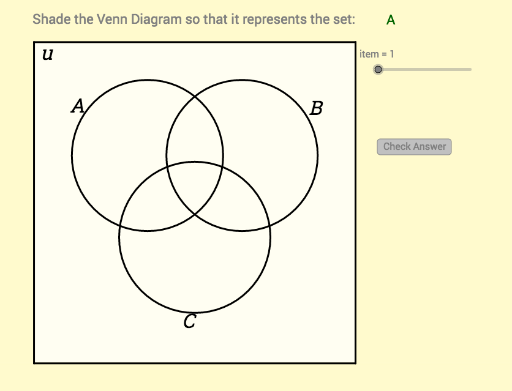
Venn Diagram with 3 Sets
Loading the math board and drawing, please wait…
In collections
class 10
This example demonstrates how to draw a Venn diagram with three sets. The core mathematical concepts involved are sets and Venn diagrams. Using GeoGebra commands such as Polygon, Segment, If, Element, etc., a Venn diagram with three sets can be constructed. Suitable for students at the junior high school level and above to learn about sets.
GeoGebra Commands & Parameters
Polygon(I, H, 3) → poly2, r, s, t, JSegment((x_1, y_1), (x_1, y_2)) → eSegment((x_1, y_2), (x_2, y_2)) → fSegment((x_2, y_1), (x_2, y_2)) → gSegment((x_2, y_1), (x_1, y_1)) → hIf(IsGreen1, 0, 1) → RB1If(IsGreen1, 0.4, 1) → G1If(IsGreen2, 0, 1) → RB2If(IsGreen3, 0, 1) → RB3If(IsGreen8, 0, 1) → RB8If(IsGreen2, 0.4, 1) → G2If(IsGreen3, 0.4, 1) → G3If(IsGreen8, 0.4, 1) → G8Element(problem, item, 1) → textitemLength(problem) → iElement(problem, item, 2) → keyPolygon(Corner[1], Corner[2], Corner[3], Corner[4]) → poly1, l, m, n, qCorner(5) → GIf(IsGreen4, 0.4, 1) → G4If(IsGreen5, 0.4, 1) → G5If(IsGreen6, 0.4, 1) → G6If(IsGreen7, 0.4, 1) → G7If(IsGreen4, 0, 1) → RB4If(IsGreen5, 0, 1) → RB5If(IsGreen6, 0, 1) → RB6If(IsGreen7, 0, 1) → RB7