
Venn Diagram and Geometric Construction
Loading the math board and drawing, please wait…
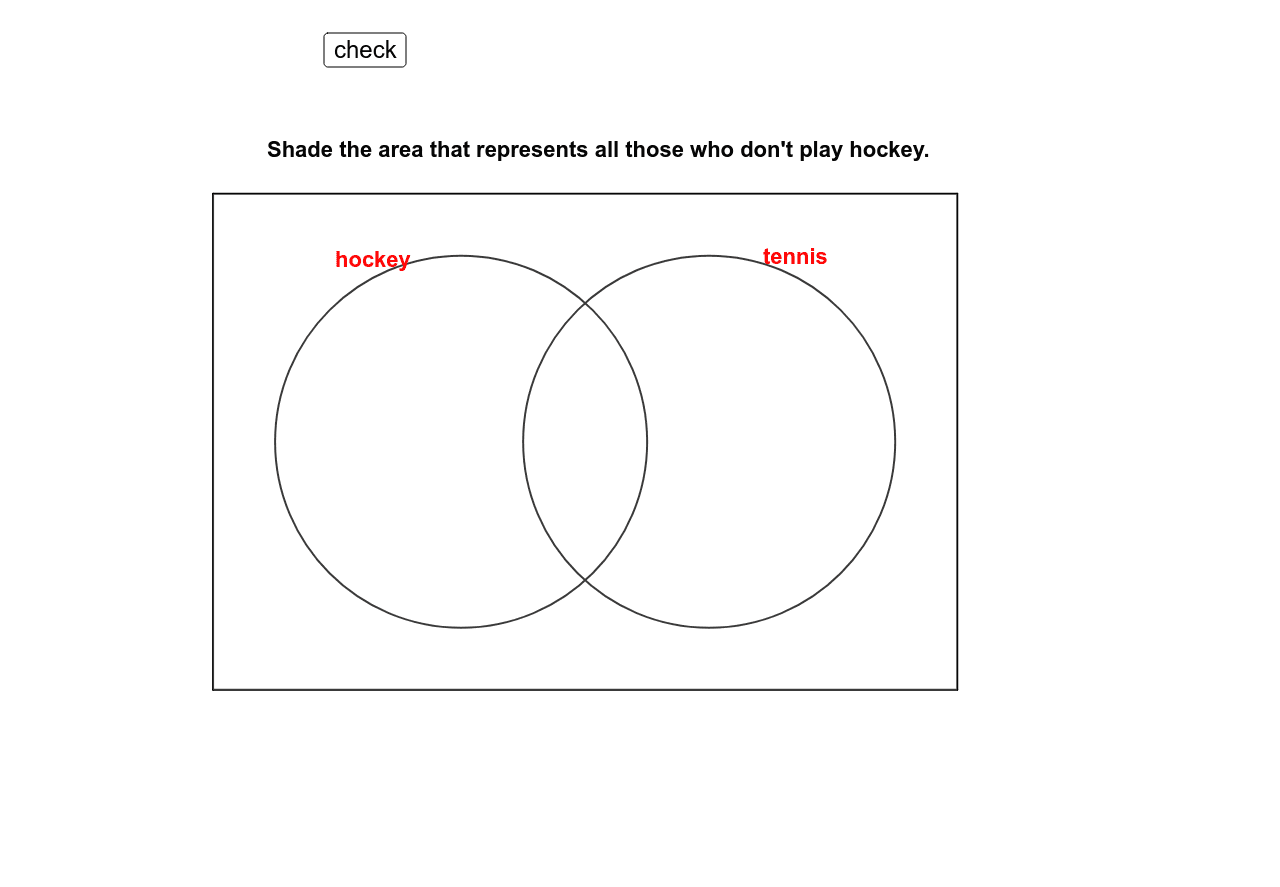
This example demonstrates the construction of Venn diagrams and their geometric properties, involving set theory, logical reasoning, and geometric construction methods. The GeoGebra commands used include Polygon, Point, Circle, etc., to build Venn diagrams using polygons, circles, and points. Suitable for middle school and above students learning geometry and set concepts, useful as a teaching aid.
GeoGebra Commands & Parameters
Polygon(A, D, C, B) → poly1, a, d, c, bPoint(xAxis) → EPoint(xAxis) → FCircle(E, G) → eCircle(F, H) → fIf(Mod[tagg, 2] ≟ 0, "white", "green") → colgIf(Mod[tagh, 2] ≟ 0, "white", "green") → colhIf(Mod[tagi, 2] ≟ 0, "white", "green") → coliIf(Mod[tagj, 2] ≟ 0, "white", "green") → coljMod(tagg, 2) → tagg2Mod(tagh, 2) → tagh2Mod(tagi, 2) → tagi2Mod(tagj, 2) → tagj2
AI Drawing Prompt Reference
Draw a Venn diagram with two intersecting circles, represented by polygons, with points marking the boundaries. Adjust the colors of the intersections and regions based on conditions, starting with basic geometric shapes, then adding points and circles, and finally modifying colors as specified.
The prompt above was compiled from the original drawing commands and is for reference only.