
Vector Field in the Plane
Loading the math board and drawing, please wait…
In collections
Multivariable Calculus
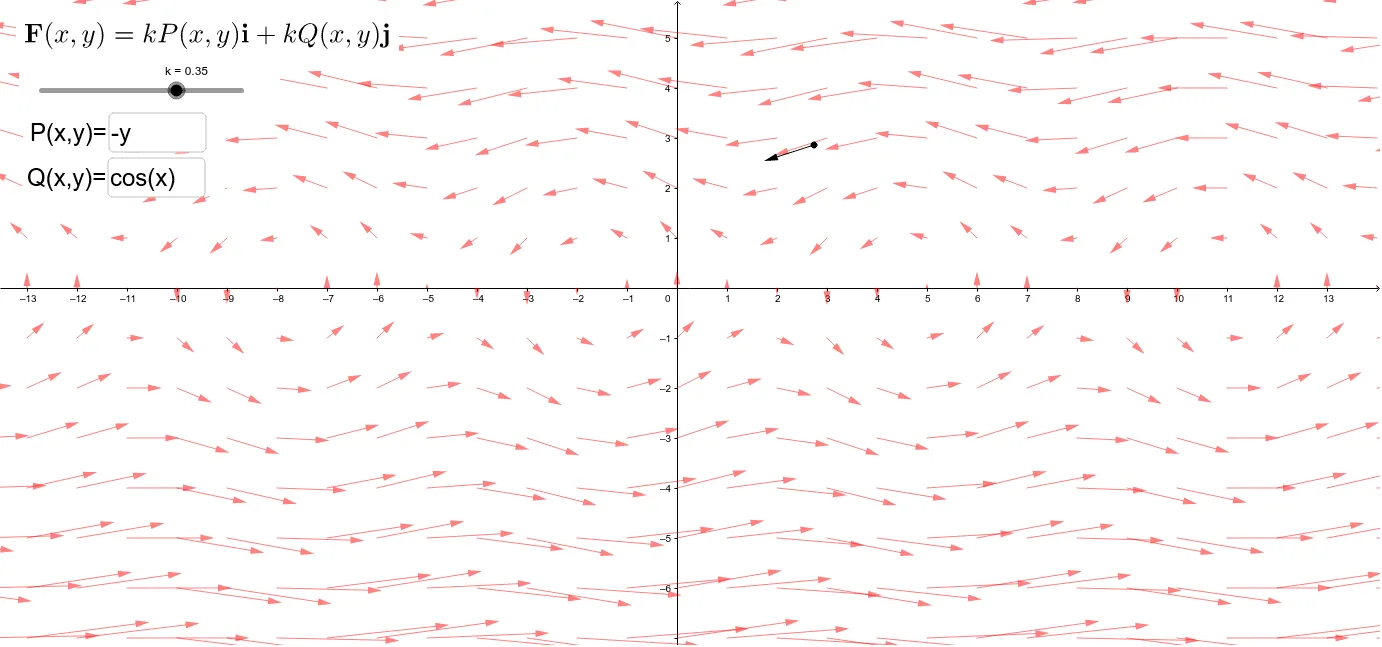
This example demonstrates a vector field in the plane. A vector field is a way to describe the distribution of vectors in space. Using GeoGebra commands such as Sequence, Textfield, and Vector, a dynamic vector field can be constructed. Suitable for high school mathematics education, particularly in coordinate geometry and vector topics.
GeoGebra Commands & Parameters
Sequence(Sequence[Vector[(a, b), (a, b) + ((P(a, b), Q(a, b)) * k)], a, -15, 15, 1], b, -10, 10, 1) → FTextfield(P) → InputBox1Textfield(Q) → InputBox2Vector(p, p + (k * (P(x(p), y(p)), Q(x(p), y(p))))) → u
AI Drawing Prompt Reference
Create a vector field in the plane. First, define two functions P(x,y) and Q(x,y) representing the components in the x and y directions, respectively. Then, generate a series of vectors starting from point (a, b) and extending in the direction of vector (P(a, b), Q(a, b)). The length of the vectors can be adjusted using parameter k. Finally, input the specific expressions for P(x,y) and Q(x,y) through input boxes to dynamically show the changes in the vector field.
The prompt above was compiled from the original drawing commands and is for reference only.