
Vector Equation of a Line by Peter Sassman
Loading the math board and drawing, please wait…
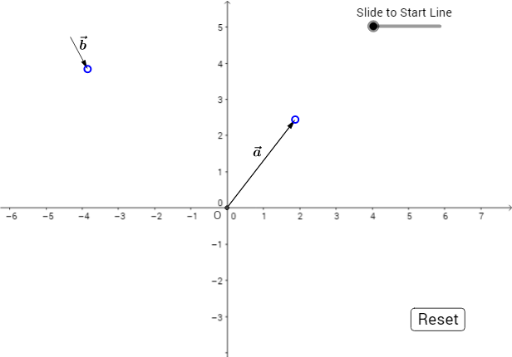
This example demonstrates the vector equation of a line. Key mathematical concepts include vectors, parametric equations, and coordinate geometry. Using GeoGebra commands such as Intersect, Vector, Circle, etc., the vector equation of a line can be constructed. Suitable for high school mathematics education and learning.
GeoGebra Commands & Parameters
Intersect(xAxis, yAxis) → OVector(O, A) → uCircle(B, 1) → cPoint(c) → CVector(B, C) → bSegment(B, A) → aPoint(a, n) → DTranslate(D, b) → D'Vector(D, D') → b_1Dilate(D', t, D) → D''Vector(A, D'') → b_2Midpoint(D'', A) → ESegment(A, D'') → eLine(D', A) → LineVector(O, D'') → vMidpoint(D'', O) → G
AI Drawing Prompt Reference
Draw the vector equation of a line. Start by creating point O at the origin, then select points A and B, create vector u from O to A, draw a unit circle with B as the center and select point C, create vector b from B to C, then create line segment AB and select point D, translate D along vector b to get D', create vector b_1, create line segment D'A, create line D'A, and finally create vector v and find the midpoint G between D'' and O.
The prompt above was compiled from the original drawing commands and is for reference only.