
Vector Difference Example
Loading the math board and drawing, please wait…
In collections
UCSS Secondary Math I Unit 6 Lesson 3
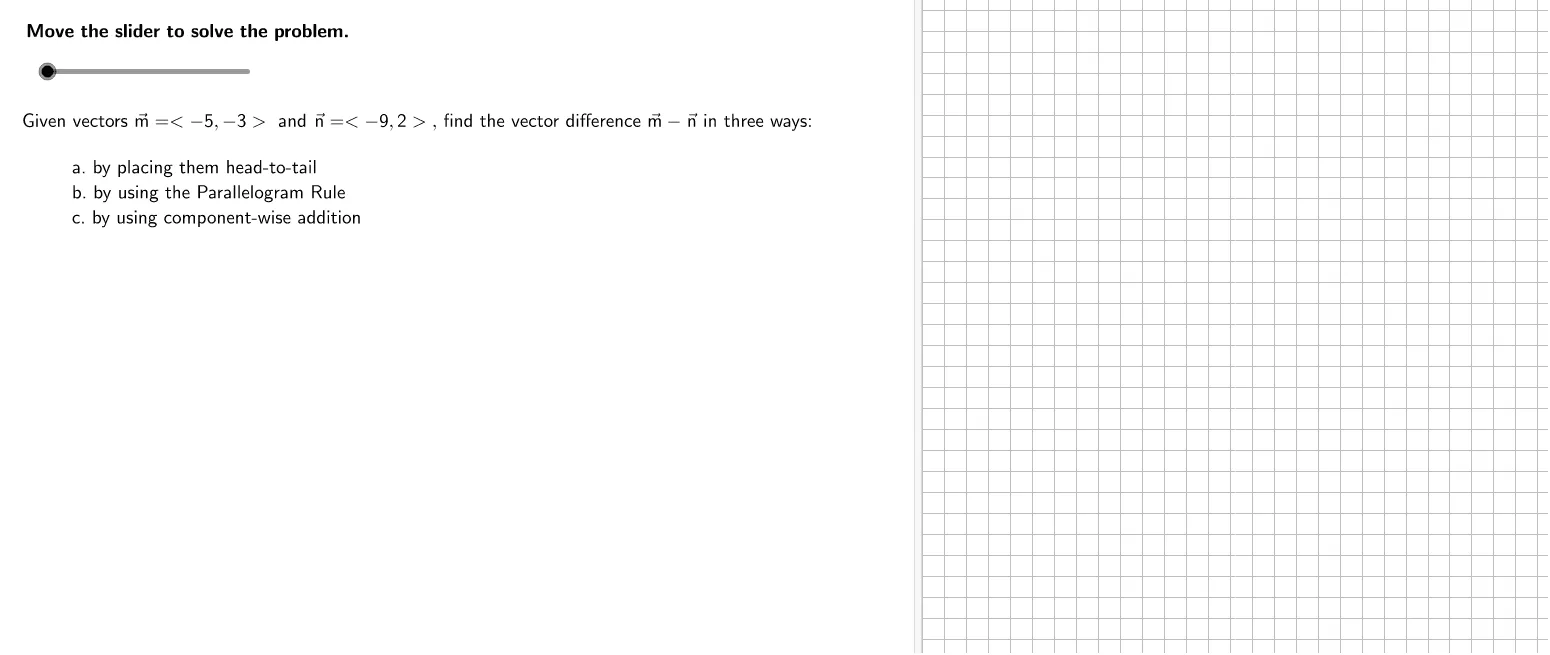
This example demonstrates how to calculate the difference between two 2D vectors using GeoGebra. The core mathematical concept involved is vector arithmetic, specifically vector subtraction. Key construction steps include using commands like Segment, Vector, and TableText, along with objects such as m2, m1, n2, vs2, n1, vs1 for visualization. It is suitable for high school mathematics courses teaching vector basics and geometric representation.
GeoGebra Commands & Parameters
Segment(nNegT + (0, (-0.5)), mT + (0, (-0.5))) → b1Segment(P0 - (0.5, 0), nNegT - (0.5, 0)) → a1Segment(P0, SumCorner) → aSegment(SumCorner, vsT) → bVector(nNegT, vsT) → mMVector(mT, vsT) → nMVector(((ShiftFactor * m1), (ShiftFactor * m2)), ((ShiftFactor * m1), (ShiftFactor * m2)) - (n1, n2)) → n1movedTableText({{Formula2a, "\textsf{Write the vectors being subtracted in component form.}"}, {Formula2b, "\textsf{Component-wise subtraction formula}"}, {Formula2c, "\textsf{Substitute.}"}, {Formula2d, " \textsf{Simplify.}"}}, "l") → work5
AI Drawing Prompt Reference
Draw an example of 2D vector subtraction, showing the process of subtracting two vectors. First, draw two horizontal line segments to represent the starting points of the vectors, then connect the starting and ending points to form two vectors. Next, move the starting point of the second vector to the endpoint of the first vector to form the subtraction operation. Finally, use text annotations to label the vector coordinates and calculation steps, clearly expressing the geometric meaning and calculation process of vector subtraction.
The prompt above was compiled from the original drawing commands and is for reference only.