
Vector and Orthogonal Plane Construction
Loading the math board and drawing, please wait…
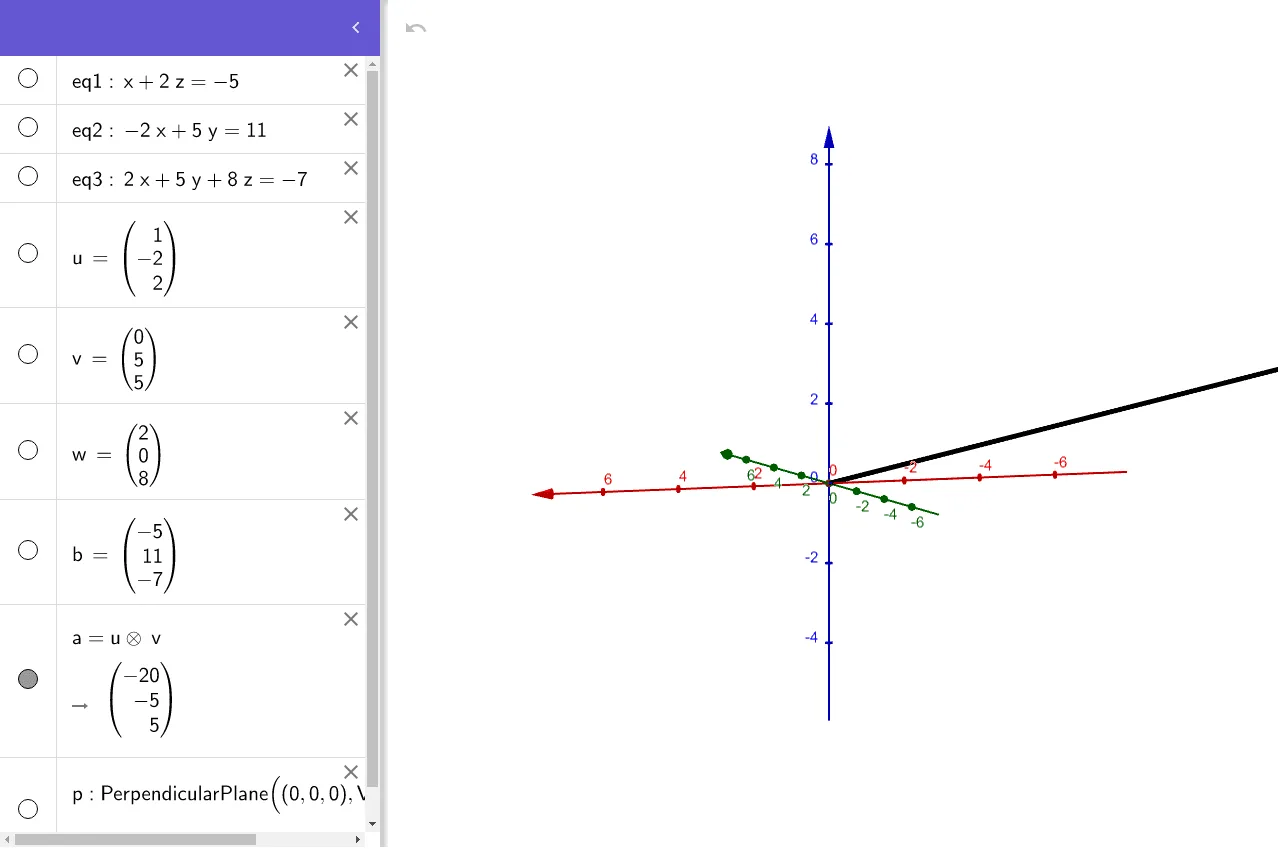
This example demonstrates how to use GeoGebra to construct an orthogonal plane and apply vectors and equations. The core mathematical concepts involved include vector operations, plane equations, and spatial geometry. Key construction steps use the OrthogonalPlane command to create a plane perpendicular to given planes, involving objects like eq1, eq2, eq3, u, v, w, b, p. Suitable for high school and above students learning and exploring spatial geometry problems.
GeoGebra Commands & Parameters
OrthogonalPlane((0, 0, 0), Vector[u ⊗ v]) → p
AI Drawing Prompt Reference
Draw a 3D coordinate system. Construct two vectors in space, compute their cross product to obtain a new vector. From the origin, draw a line along this cross product vector, and create a plane through the origin perpendicular to this line. Make the plane semi-transparent to show its spatial relation with the axes and vectors. Indicate the perpendicularity between the cross product vector and the plane, illustrating vector operations and spatial geometry construction.
The prompt above was compiled from the original drawing commands and is for reference only.