
Vector Addition Example: Demonstrating Vector Sum in Geometry
Loading the math board and drawing, please wait…
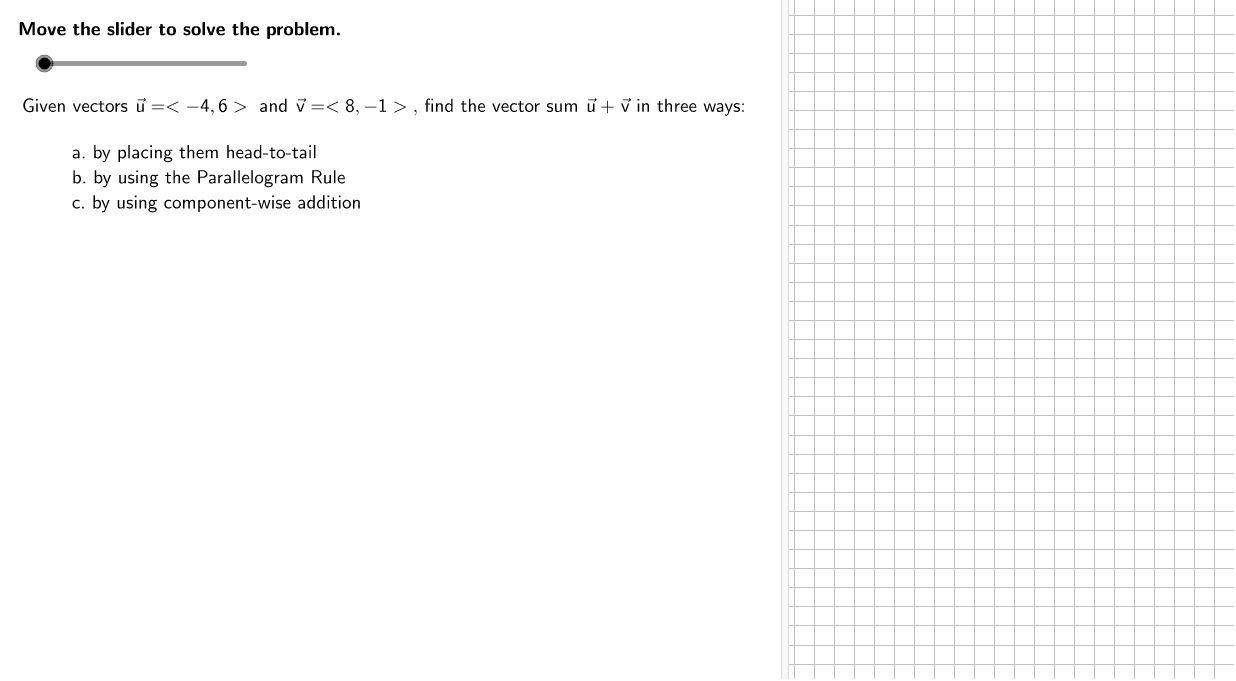
This example demonstrates the geometric representation of vector addition using vectors u and v. It involves concepts like vector addition, coordinate geometry, and geometric transformations. Construction points include using GeoGebra commands such as Segment, Vector, and SumCorner. Suitable for middle or high school mathematics education to understand vector operations and geometric intuition.
GeoGebra Commands & Parameters
Segment(v1T + (0, (-0.5)), v2T + (0, (-0.5))) → b1Segment(P0 - (0.5, 0), v1T - (0.5, 0)) → a1Segment(P0, SumCorner) → aSegment(SumCorner, vsT) → bVector(((ShiftFactor * u1), (ShiftFactor * u2)), ((ShiftFactor * u1), (ShiftFactor * u2)) + (v1, v2)) → v1movedVector(v1T, vsT) → uMVector(v2T, vsT) → vMTableText({{Formula2a, "\textsf{Write the vectors being added in component form.}"}, {Formula2b, "\textsf{Component-wise addition formula}"}, {Formula2c, "\textsf{Substitute.}"}, {Formula2d, " \textsf{Simplify.}"}}, "l") → work5
AI Drawing Prompt Reference
Draw a vector addition diagram. Start with two vectors from the origin, each shown as an arrow. Then translate the second vector so its tail meets the head of the first vector. Draw a resultant vector from the origin to the head of the translated second vector. Below the diagram, include a table with steps: write vectors in component form, component-wise addition formula, substitution, and simplification. Use dashed lines to indicate the translation and label the vectors.
The prompt above was compiled from the original drawing commands and is for reference only.