
Variety of Areas with Fixed Perimeter
Loading the math board and drawing, please wait…
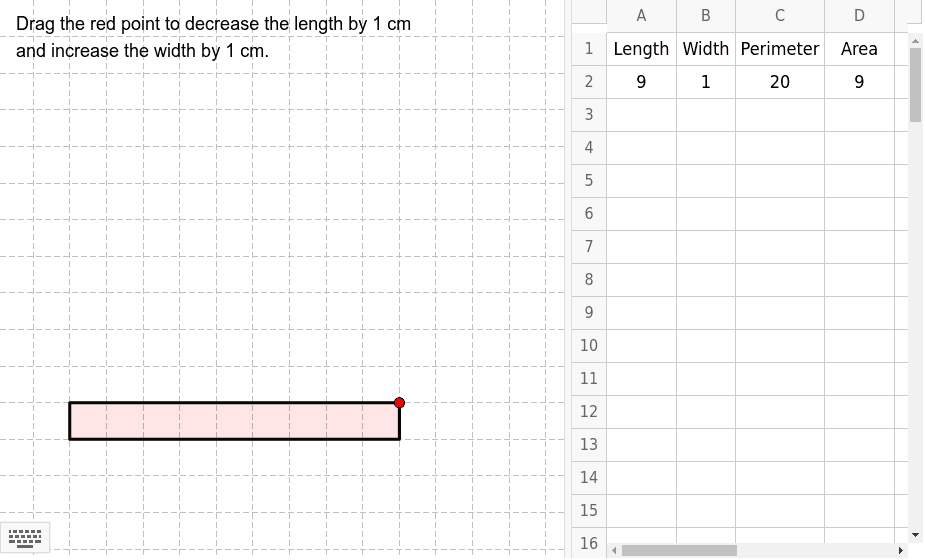
This example demonstrates the variation of rectangle areas with a fixed perimeter. It involves core mathematical concepts such as perimeter, area, geometric transformations, and optimization. The construction uses GeoGebra commands and objects like Point, PolyLine, Intersect, Polygon, Segment, LineBisector, Rotate. Suitable for high school students learning geometric transformations and optimization problems.
GeoGebra Commands & Parameters
Point(Segment[Intersect[a, x = 1], Intersect[a, y = 1]]) → PPolyLine(O, A, P, B, O) → bIntersect(Segment[A, P], Segment[Q, Q_2]) → CPolygon(O, A, C, Q_2) → poly1, o, a_1, c, q_2Segment(Q_2, C) → eSegment(C, Q) → fLineBisector(Q_2, C) → kLineBisector(B, Q) → lIntersect(k, l) → IRotate(A, 90° * t, I) → A'_1Rotate(Q_1, 90° * t, I) → JRotate(Q, 90° * t, I) → Q'_1Rotate(C, 90° * t, I) → C'_1Polygon(A'_1, J, Q'_1, C'_1) → poly3, a'_1, j_1, q'_1, c'_1Intersect(Segment[B, P], Segment[Q, Q_1]) → DPolygon(O, Q_1, D, B) → poly2, o_1, q_1, d, b_1LineBisector(D, Q_1) → gLineBisector(Q, A) → hIntersect(h, g) → ERotate(B, (-90)° * t, E) → B'Rotate(D, (-90)° * t, E) → D'Rotate(Q, (-90)° * t, E) → Q'Rotate(Q_2, (-90)° * t, E) → FPolygon(B', D', Q', F) → poly4, b', d', q', f_1
AI Drawing Prompt Reference
Draw a rectangle with a fixed perimeter to demonstrate the variation of its area. Start by drawing one side of the rectangle, then find the intersection points with the coordinate axes and connect them to form a closed shape. Next, locate the intersection of the diagonals and draw the angle bisectors. Use the intersection point of the angle bisectors to rotate the other vertices of the rectangle, creating multiple rotated rectangles. Finally, combine these rotated rectangles to show how the area changes while the perimeter remains constant.
The prompt above was compiled from the original drawing commands and is for reference only.