
Two Numbers Multiply to...
Loading the math board and drawing, please wait…
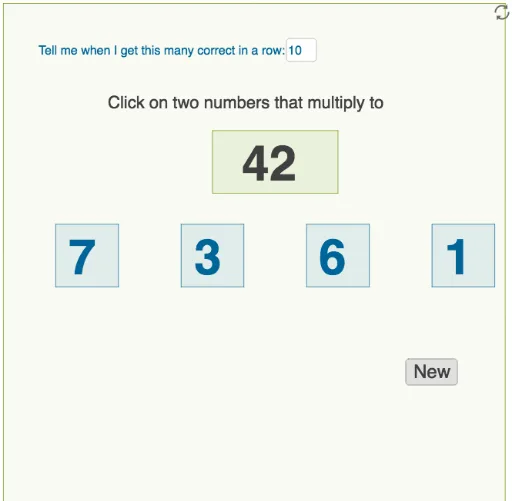
This example demonstrates the scenario where two numbers multiply to a given value. Key mathematical concepts include multiplication and equations. Using GeoGebra commands such as Random, Shuffle, and Element, dynamic pairs of numbers that satisfy the condition are generated. Suitable for middle school and above students to learn about multiplication and solving equations.
GeoGebra Commands & Parameters
Random(1, 10) → aRandom(1, 10) → bRandom(1, 10) → cRandom(1, 10) → dShuffle(list1) → list2Element(list2, 1) → pElement(list2, 2) → qElement(list2, 3) → rElement(list2, 4) → sPolygon(C, D, E, F) → q1, c_1, d_1, e, fPolygon(G, H, I, J) → q2, g, h, i, jPolygon(K, L, M, N) → q3, k, l, m, nPolygon(O, P, Q, R) → q4, o, p_1, q_1, r_1Polygon(S, T, U, V) → q5, s_1, t_1, u_1, v_1Polygon(W, Z, A_1, B_1) → q6, w, z_1, a_1, b_1Textfield(goal) → InputBox1
AI Drawing Prompt Reference
Create a figure where two numbers multiply to 10. Generate four random numbers a, b, c, and d, then shuffle them to get four numbers p, q, r, and s. Use these numbers to construct four rectangles, with each rectangle's vertices determined by these numbers. Finally, display the goal of the product being 10 in an input box.
The prompt above was compiled from the original drawing commands and is for reference only.