
Collinear Points Demonstration
Loading the math board and drawing, please wait…
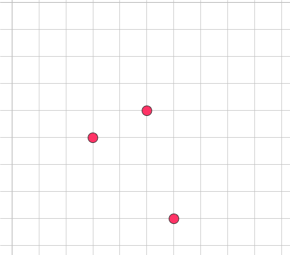
This example demonstrates how to construct and verify collinear points using GeoGebra. It involves core mathematical concepts such as collinearity criteria, line equations, and analytical geometry. Key construction steps include using the Line command to draw lines, with points A, B, C defining collinear points, f representing a function, and text1, c1, c2, text2 for annotations. Suitable for high school mathematics education to understand the relationship between collinear points and line equations.
GeoGebra Commands & Parameters
Line(A, B) → f
AI Drawing Prompt Reference
Draw three points in a coordinate plane that lie on the same straight line, then create a line passing through two of these points, add a function graph for comparison, include text annotations explaining the collinearity relationship, and incorporate adjustable sliders to dynamically demonstrate the verification of collinearity conditions.
The prompt above was compiled from the original drawing commands and is for reference only.