
Triangle Style Demo
Loading the math board and drawing, please wait…
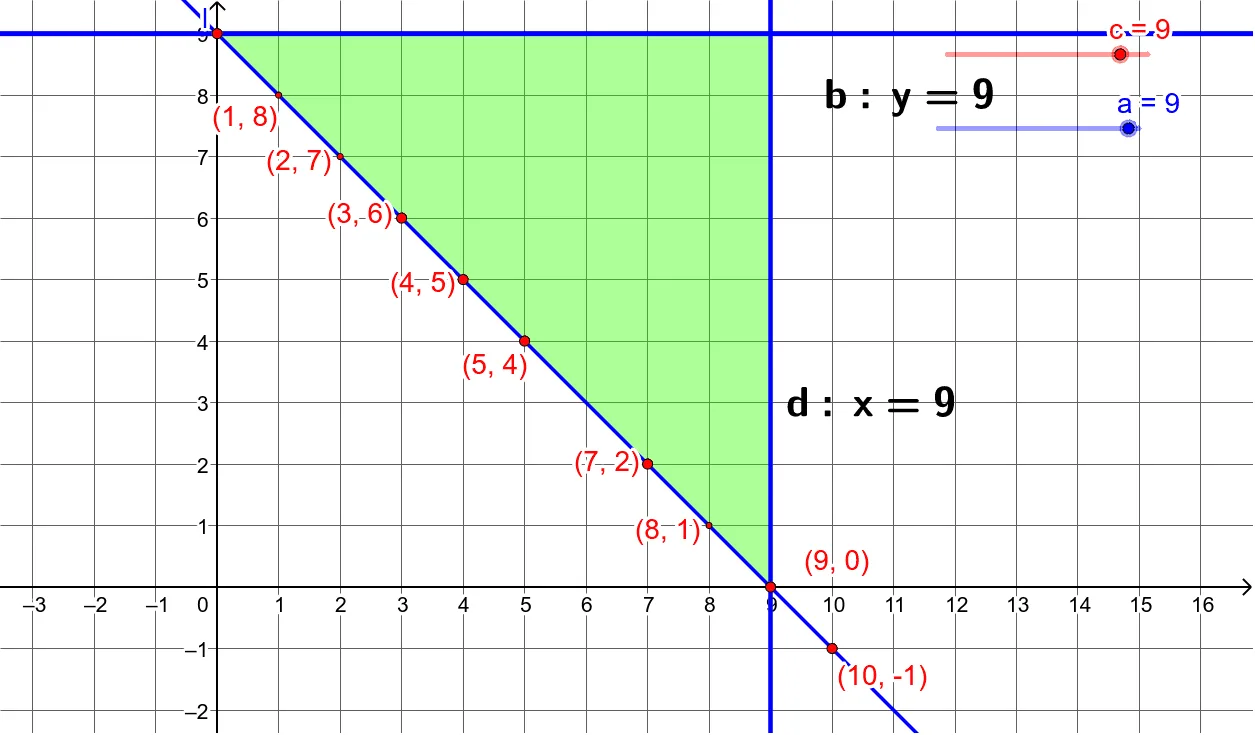
This example demonstrates how to construct a triangle and its related elements using GeoGebra, involving core math concepts like straight lines, right triangles, logic, incircle, and bar charts. Key GeoGebra commands/objects used include Intersect, Polygon, Line, LaTeX, and Point, making it suitable for high school mathematics teaching or geometric construction practice.
GeoGebra Commands & Parameters
Intersect(b, yAxis) → AIntersect(d, xAxis) → BIntersect(b, d) → CPolygon(C, A, B) → poly1, b_1, c_1, a_1Line(A, B) → lIntersect(j, l) → DIntersect(i, l) → EIntersect(g, l) → GIntersect(l, m) → FLaTeX(b, true, true) → text1LaTeX(d, true, true) → text2Point(l) → MLaTeX(b, true, true) → text3LaTeX(d, true, true) → text4Intersect(l, r) → HIntersect(l, q) → IIntersect(f, l) → JIntersect(l, p) → K