
Triangle Circumcircle and Vector Construction Example
Loading the math board and drawing, please wait…
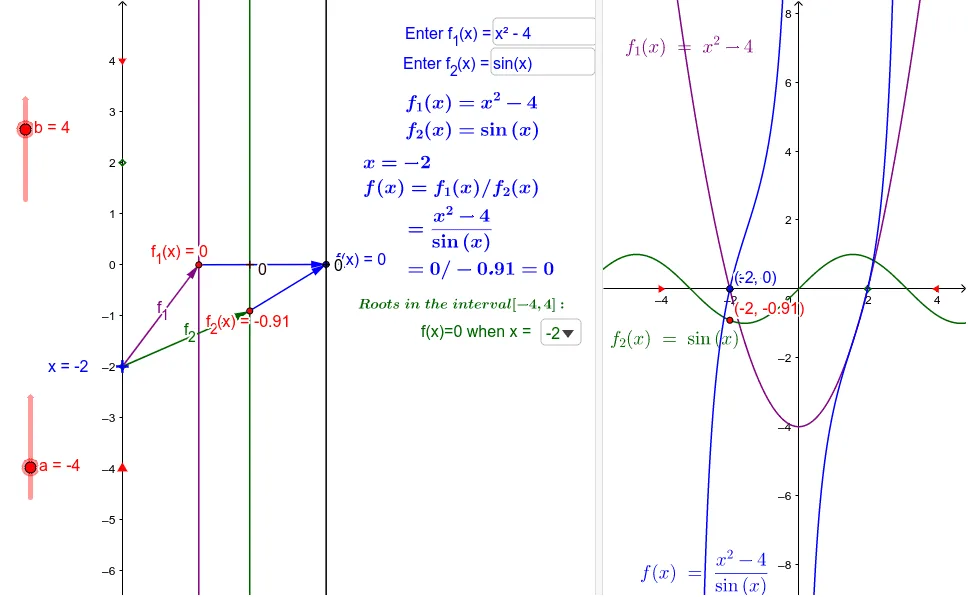
This example demonstrates how to construct a circumcircle of a triangle and related vectors using GeoGebra. It involves core concepts like triangle, circumcircle, vector, stochastic process, rational numbers, and division. Key GeoGebra commands and objects used include Element, Point, Vector, Textfield, Zip, ops, n, O_n, f_1, f_2, etc., for parametric construction. Suitable for high school mathematics teaching, combining geometric construction with probability & statistics.
GeoGebra Commands & Parameters
Element(ops, n) → O_nPoint(yAxis) → DVector(A, C) → uVector(B, C) → vVector(D, A) → wVector(D, B) → dTextfield(f_1) → InputBox1Textfield(f_2) → InputBox2Zip(x(P), P, rlist) → zlistZip((0, z), z, zlist) → z1list
AI Drawing Prompt Reference
Draw a triangle with its circumcircle and associated vectors. Place one vertex on the vertical axis and the other two on the base. Construct vectors from the base endpoints to the top vertex, and from the axis point to each base endpoint. On the circumcircle, select several points, extract their x-coordinates, and map these coordinates to vertical positions, creating a vertical sequence of points. Include two text input fields for adjusting parameters to observe changes in the point distribution. The final figure should clearly show the triangle, circumcircle, vectors, and the vertical point sequence derived from the circle's x-coordinates.
The prompt above was compiled from the original drawing commands and is for reference only.