
Triangle Area Calculation by Steve Phelps
Loading the math board and drawing, please wait…
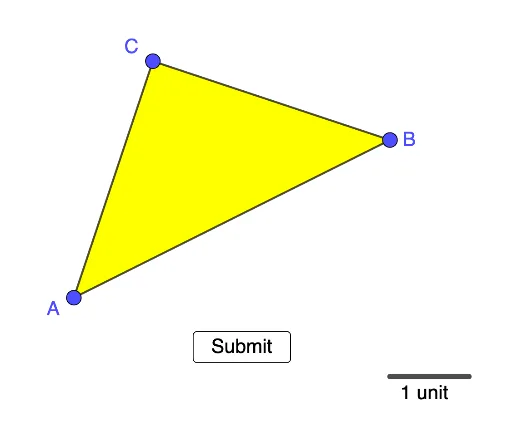
This example demonstrates various methods to calculate the area of a triangle. It involves core math concepts like area formulas, vectors, and coordinate geometry. Construction highlights include using commands like Segment, Polygon, and Distance. Suitable for high school mathematics teaching to understand area calculation methods and geometric constructions.
GeoGebra Commands & Parameters
Segment(A_1, B_1) → fPolygon(C, A, B) → t1, e, c, dDistance(B, f) → aDistance(A, f) → bDistance(C, f) → g
AI Drawing Prompt Reference
Draw a triangle using three line segments connecting three points. Calculate its area by drawing perpendicular lines from one vertex to the opposite side, marking the foot of the perpendicular. Measure the length of the perpendicular (height) and the base. Calculate the area using the formula: area = (base * height) / 2, and display the result.
The prompt above was compiled from the original drawing commands and is for reference only.