
Triangle Area Calculation by Arthur Lee (3)
Loading the math board and drawing, please wait…
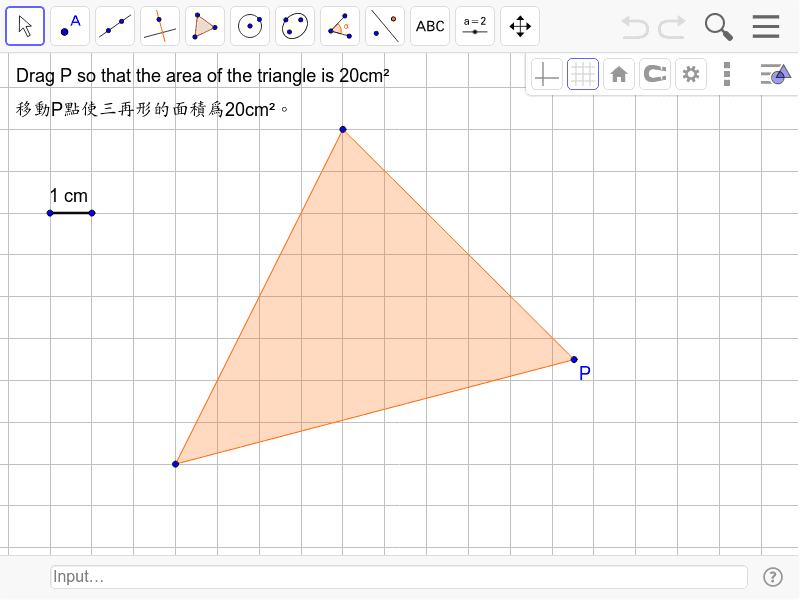
This example demonstrates how to calculate the area of a triangle using coordinates. It involves core concepts like coordinate geometry, polygon area formulas, and complex number operations. The construction uses commands like Polygon and Segment, with objects A, B, P, poly1, c, a, b, etc. Suitable for high school mathematics teaching, helping students understand coordinate methods for area calculation and the application of complex numbers in geometry.
GeoGebra Commands & Parameters
Polygon(A, B, P) → poly1, c, a, bSegment(C, D) → d
AI Drawing Prompt Reference
Draw a triangle with three points and calculate its area. Show how to use coordinate geometry and complex numbers for the calculation. First, draw the sides of the triangle, then use the polygon tool to close it, and draw an auxiliary line segment with the segment tool. Finally, calculate and label the area using a formula.
The prompt above was compiled from the original drawing commands and is for reference only.