
Trapezoid Area Calculation Example by Anthony Dove
Loading the math board and drawing, please wait…
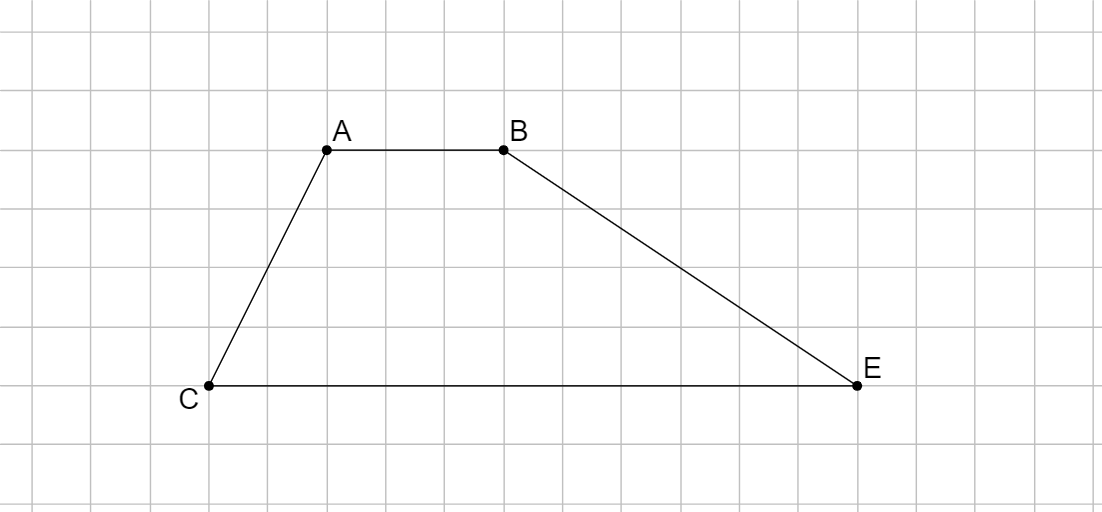
This example demonstrates how to use GeoGebra tools to calculate the area of a trapezoid using the moving principle or additivity principle. Key mathematical concepts include the trapezoid area formula and geometric construction techniques. Construction highlights: Utilizes Segment, Line, Point, and Ray commands with objects A, B, a, C, b, c, D, d, E, e, f. Suitable for high school mathematics courses or geometry learners.
GeoGebra Commands & Parameters
Segment(B, A) → aLine(C, a) → bSegment(C, A) → cPoint(b) → DRay(C, D) → dPoint(d) → ESegment(B, E) → eSegment(E, C) → f
AI Drawing Prompt Reference
Draw a trapezoid by first connecting points B and A to form the base a, then drawing a line b through point C, and connecting point C and A to form the other base c. Take a point D on line b, draw a ray d through point C and D, take a point E on ray d, connect point B and E, and finally connect point E and C to form the other side of the trapezoid f.
The prompt above was compiled from the original drawing commands and is for reference only.