
Trapezium Area Calculation by Jonathan Robinson
Loading the math board and drawing, please wait…
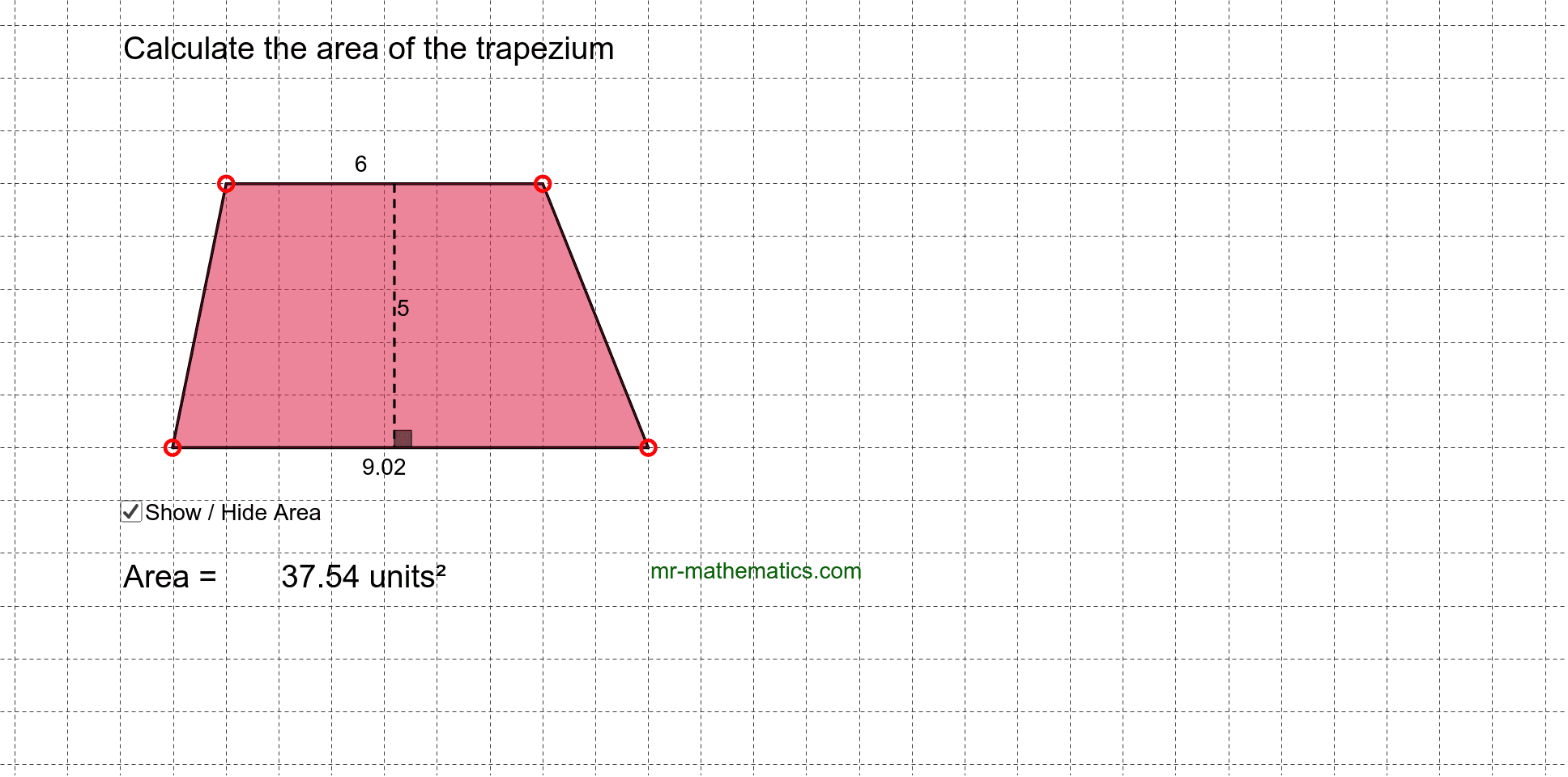
This example demonstrates how to calculate the area of a trapezium by dynamically adjusting its dimensions like the top base, bottom base, and height. Key math concepts include the trapezium area formula (A=(a+b)h/2), geometric transformations, and dynamic geometry. Construction highlights involve GeoGebra commands/objects such as Line, Point, Segment, Polygon, Rotate, Angle, and Intersect. Suitable for middle school students and above to learn area calculation methods and explore the effects of geometric transformations on area.
GeoGebra Commands & Parameters
Line(A, B) → aPoint(a) → CPoint(a) → DLine(E, a) → bPoint(b) → FSegment(E, F) → cSegment(F, D) → dSegment(D, C) → eSegment(C, E) → fPolygon(E, F, D, C) → poly1, e_1, f_1, d_1, c_1Point(c) → GPoint(e) → HPoint(c) → IPoint(e) → JRotate(D, 90*°, J) → D'Angle(D, J, D') → αLine(J, D') → gIntersect(g, c) → KSegment(K, J) → h
AI Drawing Prompt Reference
Draw a trapezium with adjustable top and bottom bases and height to demonstrate the area formula A=(a+b)h/2. Explore how geometric transformations affect the area. Start by drawing two parallel lines for the bases, then connect them to form the trapezium. Draw a perpendicular from the midpoint of the top base to the bottom base as the height. Use rotations and intersections to construct auxiliary segments, completing the dynamic geometry demonstration.
The prompt above was compiled from the original drawing commands and is for reference only.