
Sine Rule Demonstration by Jonathan Robinson
Loading the math board and drawing, please wait…
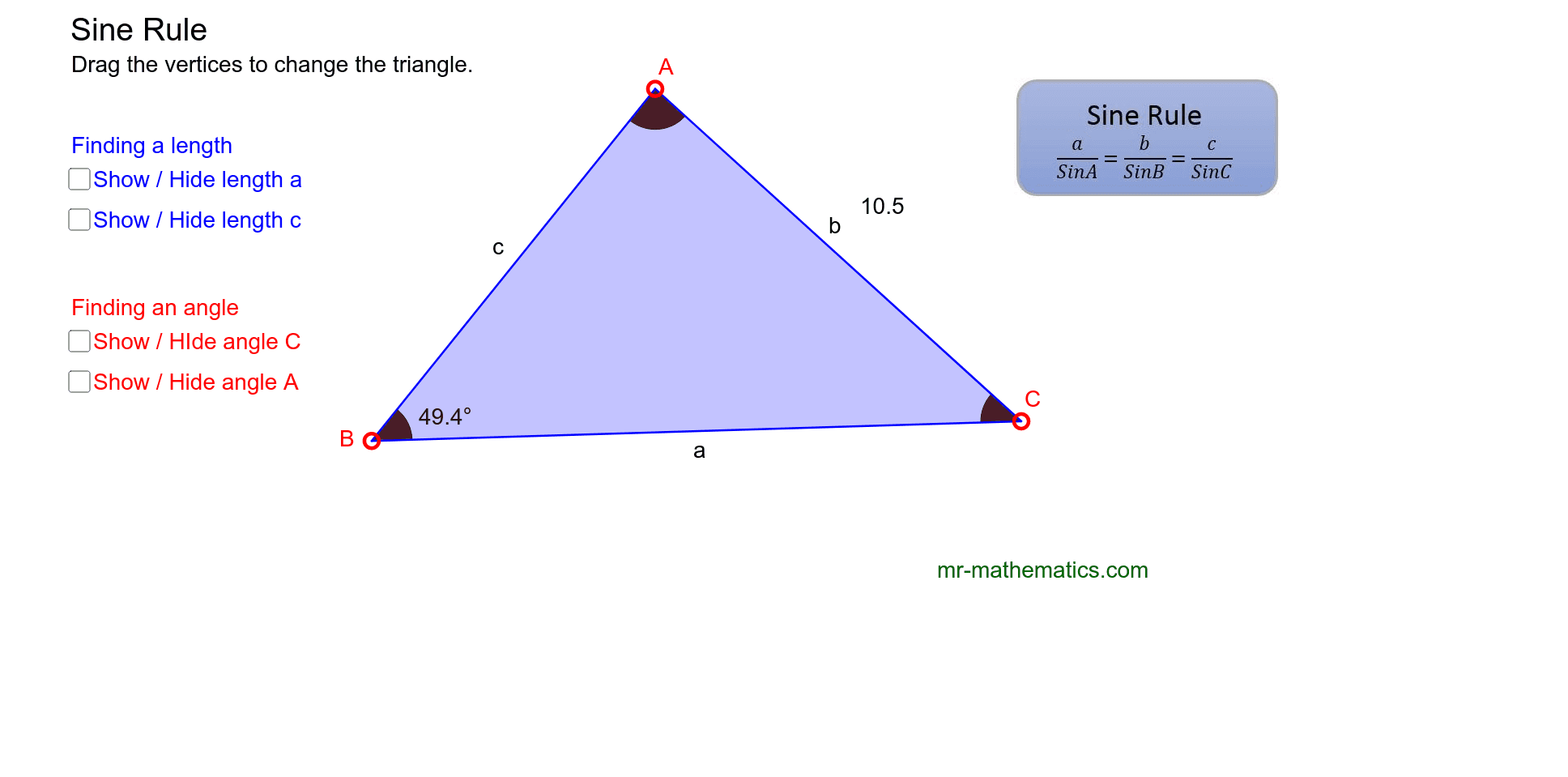
This example demonstrates the shape change of any triangle by dragging vertices. The core math concept is the Sine Rule, used to calculate unknown lengths and angles. Construction highlights include using GeoGebra commands like Polygon, Angle, Midpoint, Segment. Suitable for high school mathematics teaching to help students visually understand the application of the Sine Rule.
GeoGebra Commands & Parameters
Polygon(A, B, C) → poly1, c, a, bAngle(B, A, C) → αAngle(A, C, B) → βAngle(C, B, A) → γAngle(B, A, C) → δMidpoint(a) → DMidpoint(b) → EMidpoint(c) → FSegment(B, A) → fSegment(A, C) → gSegment(C, B) → hAngle(A, C, B) → ε
AI Drawing Prompt Reference
Draw a triangle with its three vertices, sides, and interior angles labeled. Allow the vertices to be dragged to see the shape change. Mark the midpoints of each side and draw segments connecting each vertex to the midpoint of the opposite side. Label the interior angles and include auxiliary line segments to illustrate the application of the sine rule.
The prompt above was compiled from the original drawing commands and is for reference only.