
Law of Sines and Cosines Self-Check
Loading the math board and drawing, please wait…
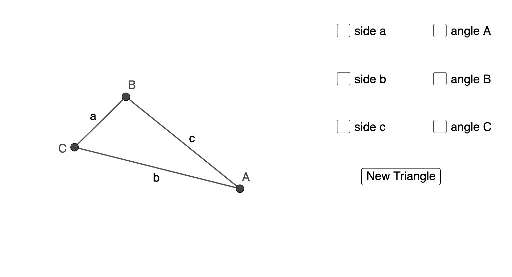
This example demonstrates the application of the Law of Sines and Cosines. By constructing a triangle and dynamically adjusting its sides and angles, it helps students understand and verify these theorems. The construction uses commands like Conic, RandomPointIn, Polygon, Segment, and Angle in GeoGebra. Suitable for high school mathematics education and learning.
GeoGebra Commands & Parameters
Conic(A_1, B_1, C_1, D, E) → c_2Conic(F, G, H, I, J) → dConic(K, L, M, N, O) → eRandomPointIn(c_2) → BRandomPointIn(d) → CRandomPointIn(e) → APolygon(A, C, B) → t1, b, a, cSegment(C, B) → fSegment(B, A) → gSegment(A, C) → hAngle(B, A, C) → αAngle(A, C, B) → βAngle(C, B, A) → γ
AI Drawing Prompt Reference
Draw a triangle by randomly selecting points within three circles and connecting them to form the triangle's sides. Label the three interior angles and display the relationships between the sides and angles to illustrate the Law of Sines and Cosines.
The prompt above was compiled from the original drawing commands and is for reference only.