
Transformation onto Itself
Loading the math board and drawing, please wait…
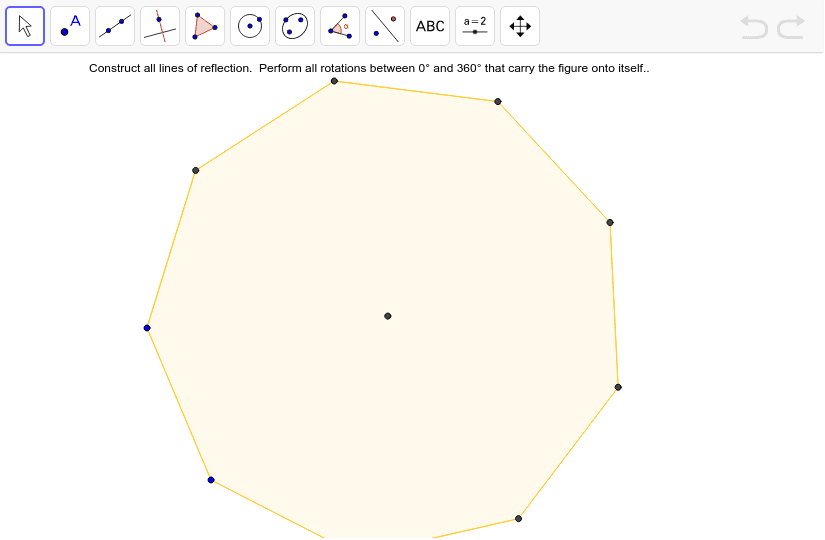
This example demonstrates how to achieve self-mapping of a figure through geometric transformations. Key mathematical concepts include geometric transformations, polygons, and vectors. Using GeoGebra commands such as Polygon, Midpoint, Segment, and Intersect, specific properties of polygons can be constructed. Suitable for high school geometry courses.
GeoGebra Commands & Parameters
Polygon(A, B, 9) → poly1, a, C, D, E, F, G, H, I, b, c, d, e, f, g, h, iMidpoint(g) → JMidpoint(e) → KSegment(A, K) → jSegment(C, J) → kIntersect(j, k) → L
AI Drawing Prompt Reference
Draw a figure made of multiple points. First, create a polygon with nine points. Then, find the midpoint of two points. Next, draw a line segment from the first point to this midpoint, and another from the third point to another midpoint. Finally, find the intersection of these two line segments. Ensure the figure is clear and lines are accurate.
The prompt above was compiled from the original drawing commands and is for reference only.