
The Ladybug in the Amusement Park: A Playful Coordinate Geometry Exploration
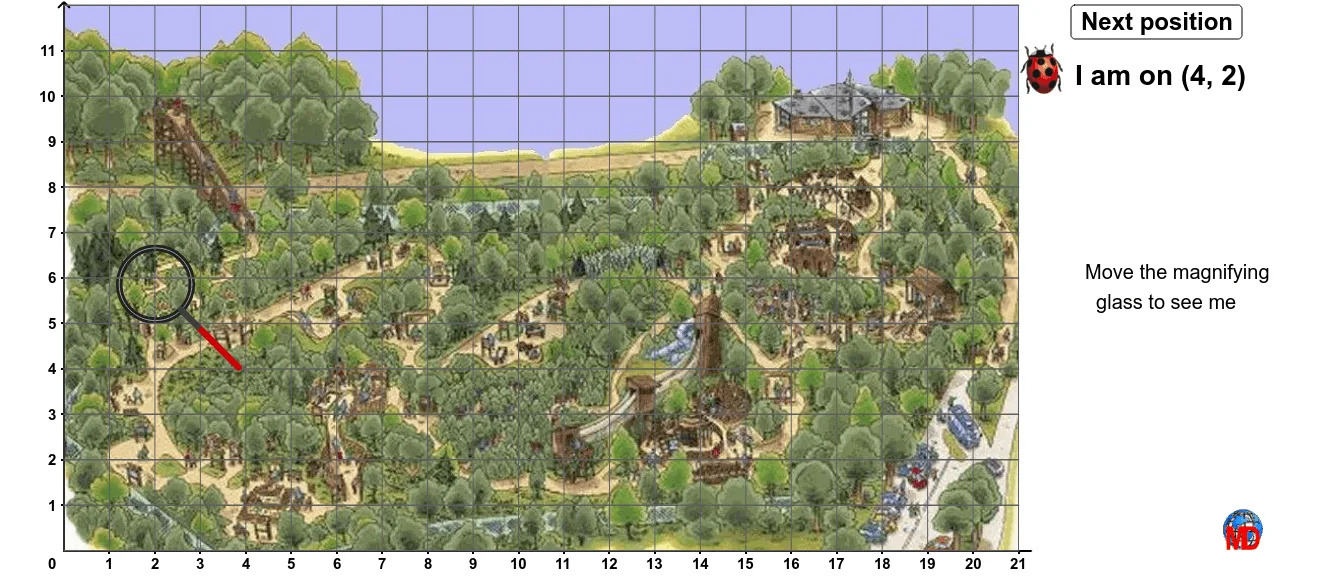
Loading the math board and drawing, please wait…
① This example uses a ladybug moving through an amusement park scene to vividly demonstrate geometric relationships among points, lines, polygons, and transformations on a coordinate plane. ② Core math concepts include coordinate geometry, arithmetic mean, properties of right and scalene triangles, an introduction to cones (solid geometry), and subtraction applied to coordinate calculations. ③ Construction highlights: Using GeoGebra commands such as Line, Segment, Point, OrthogonalLine, Intersect, Sequence, Polygon, and Circle, the construction builds multiple points (A, B, P, M, etc.), segments, perpendicular lines, intersections, polygons, and circles. A button (bouton1) and sliders control dynamic changes, while several images (image1 to image8) and text labels (Text1_1, texte1) enrich the scene. ④ Suitable for upper elementary to middle school students, this example makes learning coordinate positioning, shape classification, and basic geometric construction fun and interactive, and serves as a useful reference for teachers designing engaging math lessons.
GeoGebra Commands & Parameters
Line(A, B) → aSegment(A, B) → bPoint(a) → MOrthogonalLine(P, xAxis) → dOrthogonalLine(P, yAxis) → eIntersect(e, yAxis) → CSegment(P, C) → fIntersect(d, xAxis) → DSegment(P, D) → gSequence(Segment[(i, 0), (i, 12)], i, 0, 21) → liste1Sequence(Segment[(0, i), (21, i)], i, 0, 12) → liste2Polygon(E, F, G, H) → poly1, e_1, f_1, g_1, h_1Circle(M, 0.8) → hIntersect(h, a) → I, JSegment(I, B) → iCircle(M, 0.8) → c