
Test Yourself: Trigonometry SOHCAHTOA
Loading the math board and drawing, please wait…
In collections
Randomised Questions
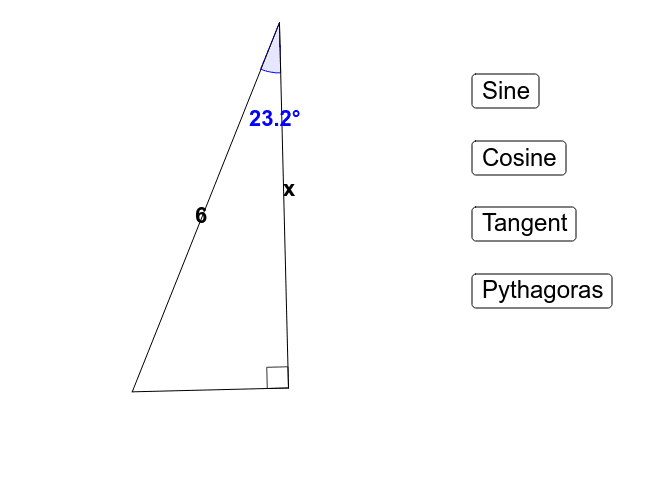
This example helps you test and understand the basic concepts of trigonometry, specifically the SOHCAHTOA mnemonic for sine, cosine, and tangent. Through constructing triangle sides and angles, using GeoGebra commands such as Circle, Point, Rotate, Dilate, etc., you can visually see the definitions and properties of trigonometric functions. Suitable for middle school and above students and teachers.
GeoGebra Commands & Parameters
Circle(A_1, B_1) → cPoint(c) → CRotate(C, a, A_1) → DRotate(C, b, A_1) → EDilate(A_1, 2, D) → GSegment(G, D) → hypSegment(D, E) → oppSegment(E, G) → adjAngle(D, E, G) → γAngle(E, G, D) → a_2Midpoint(adj) → AMidpoint(hyp) → BMidpoint(opp) → FAngularBisector(E, G, D) → dPoint(d) → H
AI Drawing Prompt Reference
Draw a right triangle with labeled legs and hypotenuse. Start by creating a circle and marking a point on it. Construct an angle using the center of the circle and the marked point. Then, mark points on the rays of the angle such that one side equals the radius of the circle. Dilate these points to create a larger triangle. Connect the points to form the triangle. Finally, draw the angle bisectors of the two acute angles and label all key points and angles.
The prompt above was compiled from the original drawing commands and is for reference only.