
Tangent Plane Animation
Loading the math board and drawing, please wait…
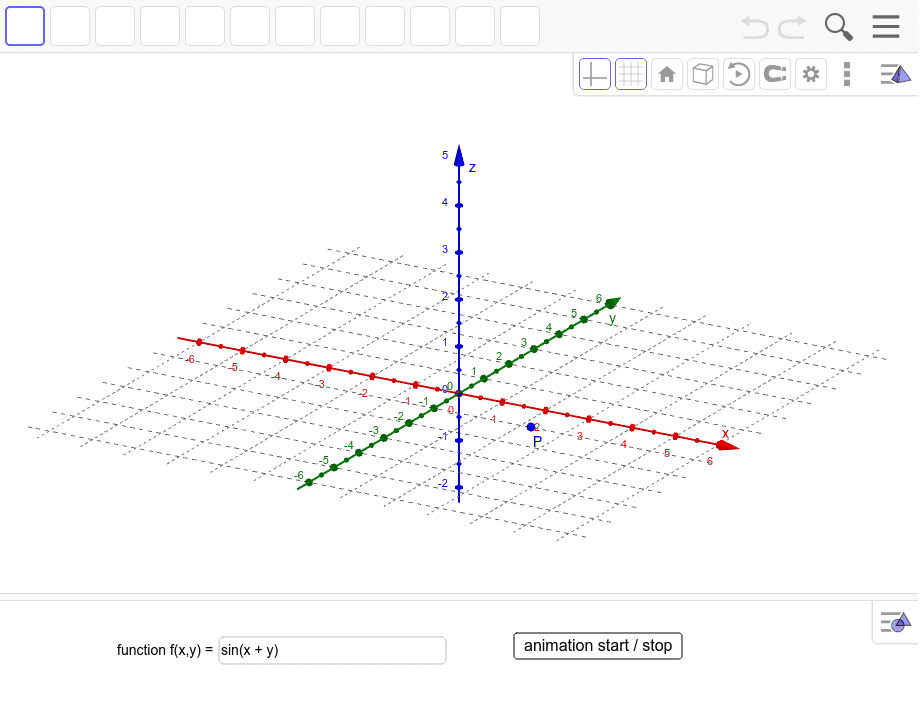
This example visually demonstrates the tangent plane to a surface at a point along with its tangents in the x and y directions using animation. Key math concepts include tangent planes, derivatives, directional derivatives, and spatial analytical geometry. The construction leverages GeoGebra commands like Derivative, Segment, Polygon, Angle, and Textfield as outlined. Ideal for high school students and math enthusiasts exploring spatial geometry and calculus.
GeoGebra Commands & Parameters
Derivative(g, y) → f_yDerivative(g, x) → f_xSegment(P_2, P_1) → t_xSegment(P, P_a) → hSegment(P_3, P_4) → t_yPolygon(P_a, P_1, P_5) → Vieleck1, p_2, p_3, p_1Polygon(P_a, P_6, P_3) → Vieleck2, p_4, p_6, p_5Angle(P_3, P_6, P_a) → αAngle(P_1, P_5, P_a) → βPolygon(P_7, P_8, P_9, P_{10}) → Vieleck3, p_7, p_8, p_9, p_{10}Textfield(f) → Textfeld1
AI Drawing Prompt Reference
Create an animation showing the tangent plane to a surface at a point and its tangents in the x and y directions. Include the tangent plane, x and y tangents, and their relationships. Start by drawing the tangents, then construct the tangent plane, and finally animate the plane and tangents to show their dynamic interaction.
The prompt above was compiled from the original drawing commands and is for reference only.