
Tangent Plane and Normal Line to a Surface
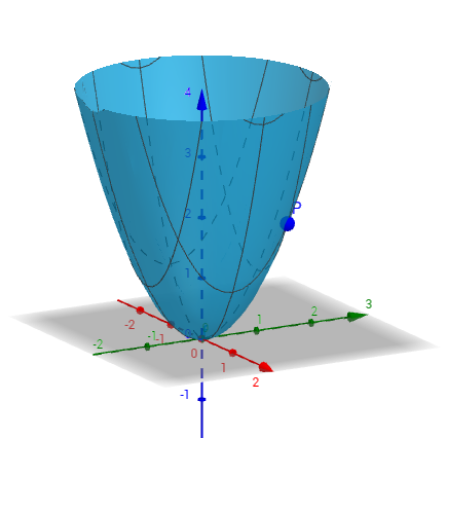
Loading the math board and drawing, please wait…
This example demonstrates how to plot the tangent plane and normal line to a surface in 3D space. It involves core calculus concepts like surface equations, tangent plane equations, normal vectors, and derivatives. GeoGebra commands used include Derivative, Textfield, and Line, with objects like y_0, x_0, f, etc. Suitable for university calculus courses or solid geometry instruction to visually understand surface properties.
GeoGebra Commands & Parameters
Derivative(f, y) → dDerivative(f, x) → cTextfield(f) → CasillaDeEntrada1Line((x(P), y(P), z(P)), Vector[B]) → g
AI Drawing Prompt Reference
Plot a smooth surface in 3D space, then show its tangent plane and normal line at a given point. Start by defining the surface equationhol, then compute its partial derivatives with respect to the two independent variables to obtain the normal vector at that point. Draw a line through the point in the direction of the normal vector, and also draw a plane through the same point with that normal vector, representing the tangent plane. Include interactive text fields for entering the surface equation and point coordinates, allowing dynamic exploration of different positions.
The prompt above was compiled from the original drawing commands and is for reference only.