
Sphere and Linear Functions Interaction Demo
Loading the math board and drawing, please wait…
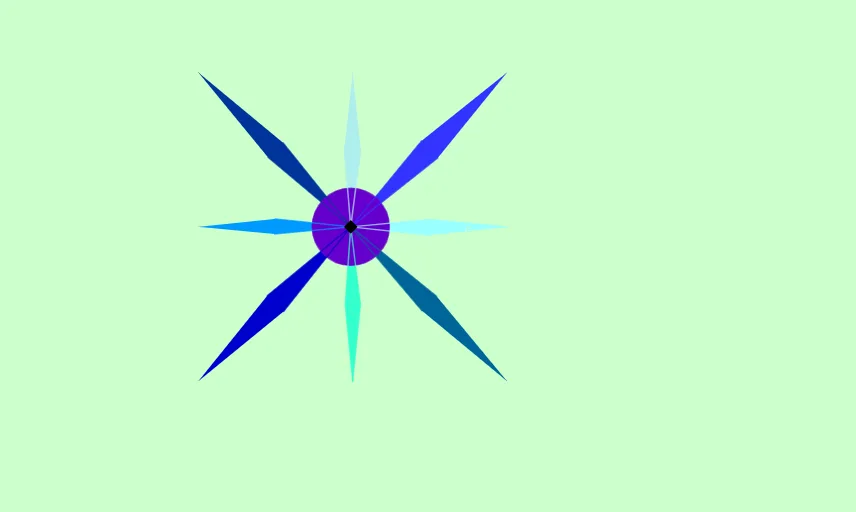
This example demonstrates the intersection points and geometric properties between a sphere and linear functions. Core concepts include sphere, linear functions, circumcircle, and sequences. Construction highlights involve using Polygon and Circle commands to create objects like B, A, C, D, q1, b, a, c, d, and visualizing paths of E, F, G, H, I, J. Suitable for high school and above students to explore the relationship between spatial geometry and function graphs.
GeoGebra Commands & Parameters
Polygon(B, A, C, D) → q1, b, a, c, dPolygon(E, F, G, C) → q2, e, f, g, c_1Polygon(C, H, I, J) → q3, c_2, h, i, jPolygon(C, K, L, M) → q4, c_3, k, l, mPolygon(C, Q, R, S) → q6, c_5, q, r, sPolygon(C, N, O, P) → q5, c_4, n, o, pPolygon(C, T, U, V) → q7, c_6, t, u, vPolygon(C, W, Z, A_1) → q8, c_7, w, z_1, a_1Circle(C, B_1) → d_1Circle(C, C_1) → e_1
AI Drawing Prompt Reference
Create a space-geometry scene showing a sphere centered at C. Around this, construct multiple quadrilaterals that all use C as a shared vertex to suggest intersecting linear-function cross-sections: first form a quadrilateral with B, A, C, D; then build quadrilaterals E, F, G, C; C, H, I, J; C, K, L, M; C, Q, R, S; C, N, O, P; C, T, U, V; and C, W, Z, A1, arranged to indicate changing planes through C. Finally, draw two circles passing through C with centers at B1 and C1 to visually connect the spherical setup with the associated circular geometry.
The prompt above was compiled from the original drawing commands and is for reference only.