
Solving Linear Inequalities with Variables on Both Sides
Loading the math board and drawing, please wait…
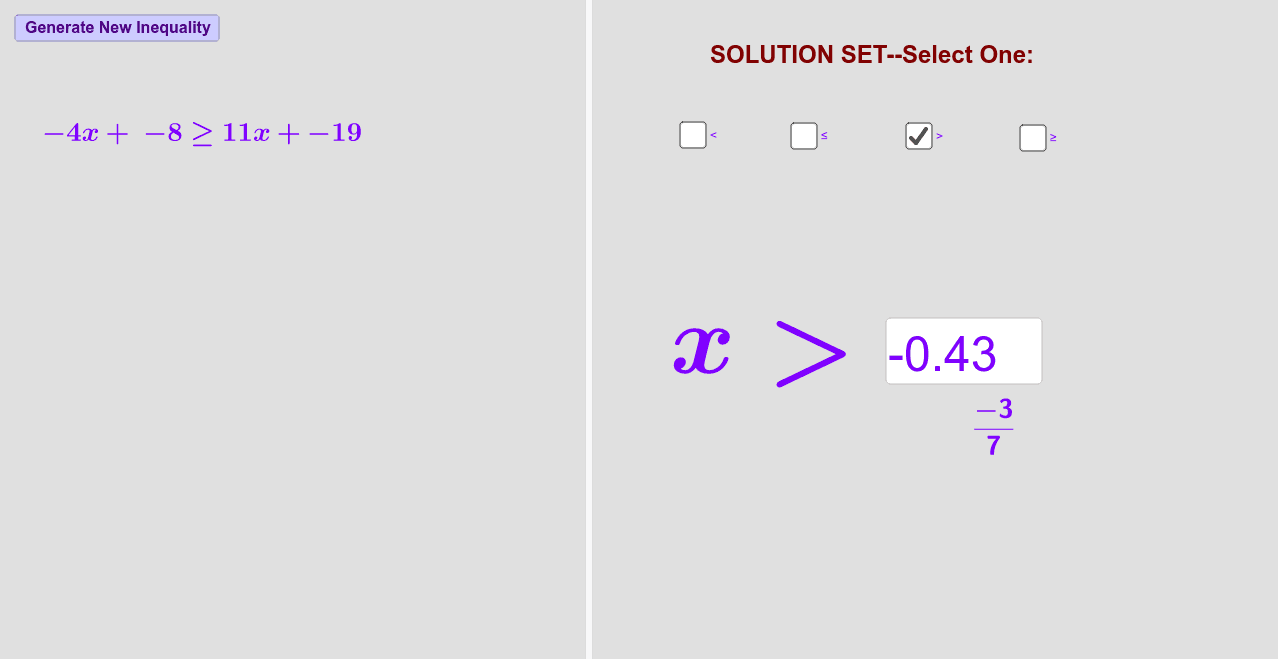
This example provides interactive practice for students to solve linear inequalities with variables on both sides and verify their solution sets. It utilizes commands such as Sequence, RandomElement, Union, Random, Textfield, and FractionText in GeoGebra. Suitable for middle school and above students to learn and practice solving inequalities.
GeoGebra Commands & Parameters
Sequence(i, i, -20, 20) → list1RandomElement(list1) → aSequence(i, i, a + 1, 20) → list3Sequence(i, i, -20, a - 1) → list2Union(list2, list3) → list4RandomElement(list4) → cRandomElement(list1) → bRandom(1, 4) → sliderTextfield(d) → InputBox1FractionText(d) → text11RandomElement(list1) → j
AI Drawing Prompt Reference
Create a coordinate system with a sequence of integers from -20 to 20, randomly select a number as a, generate two sequences, one from a+1 to 20 and another from -20 to a-1, merge these two sequences, randomly pick a number from the merged list as c, then randomly choose another number as b, create a slider from 1 to 4, input an expression, display it as a fraction, and randomly select another number as j, using these values to draw the inequality graph and related geometric elements.
The prompt above was compiled from the original drawing commands and is for reference only.