
Solve Polynomial Equations v1
Loading the math board and drawing, please wait…
In collections
Grade 12 PreCalculus BC
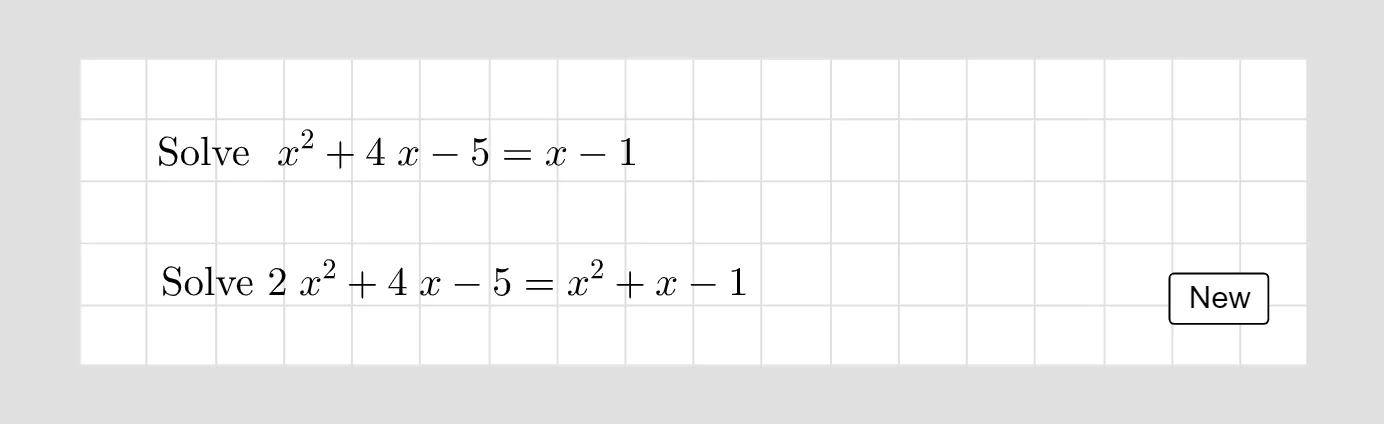
This example demonstrates solving polynomial equations using GeoGebra. Key mathematical concepts include polynomial functions and arithmetic operations. Commands used include Random, RandomElement, Shuffle, Element, etc., suitable for high school math education.
GeoGebra Commands & Parameters
Random(1, 5) → r1Random(1, 5) → r2Random(1, 5) → r3Random(-5, -1) → r4Random(-5, -1) → r5RandomElement({-8, -10, 0, 0, 0, 8, 9, 10}) → r6Shuffle(rlist) → rshlist, {-8, 5, -4, 1, 4, -1}Element(rshlist, 1) → rr1Element(rshlist, 2) → rr2Element(rshlist, 3) → rr3Element(rshlist, 4) → rr4Element(rshlist, 5) → rr5RandomElement(listf) → fExpand(f) → fexpPolygon(A, B, C, D) → q1, a_1, b, c, dSimplify(f) → ffRandomElement(galist) → gaRandomElement(gblist) → gbSimplify((ga * x) + gb) → gSimplify(f(x) + g(x)) → lhsRandomElement(halist) → haSimplify((ha * x^(2)) + g(x)) → hSimplify(f(x) + h(x)) → lhsquad
AI Drawing Prompt Reference
Draw a graph of polynomial functions, including randomly generated polynomials, their expanded forms, and a combined polynomial. The graph should show the relationships between these polynomials, with construction order starting from random selection, then expansion and simplification, and finally combining into new polynomials.
The prompt above was compiled from the original drawing commands and is for reference only.