
Sine and Cosine Graphing Template by Tim Brzezinski (4)
Loading the math board and drawing, please wait…
In collections
Sine and Cosine Graphing Templates
This example demonstrates the graphing of sine and cosine functions. The key mathematical concepts involved include trigonometric functions, function graphs, and geometric symmetry. Construction involves GeoGebra commands such as Textfield, Point, FitSin, and others. Suitable for high school or university mathematics courses to learn properties of trigonometric functions and image transformations.
GeoGebra Commands & Parameters
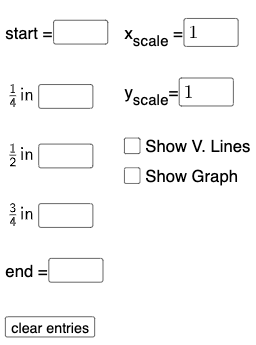
Textfield(start) → InputBox1Textfield(end) → InputBox2Textfield(k1) → InputBox3Textfield(k2) → InputBox4Textfield(k3) → InputBox5Point(eq6) → APoint(eq7) → BPoint(eq8) → CPoint(eq9) → DTextfield(a) → InputBox6Textfield(b) → InputBox7Point(eq10) → EPoint(eq7) → FFitSin({A, C, D, E, F}) → f
AI Drawing Prompt Reference
Draw the graphs of sine and cosine functions to illustrate their relationship and geometric symmetry. Start by inputting parameter ranges and coefficients, then mark key points, and finally fit a sine curve through these points to display the function graphs and symmetry features.
The prompt above was compiled from the original drawing commands and is for reference only.