
Sine and Cosine Functions Demo by Callum Marshall
Loading the math board and drawing, please wait…
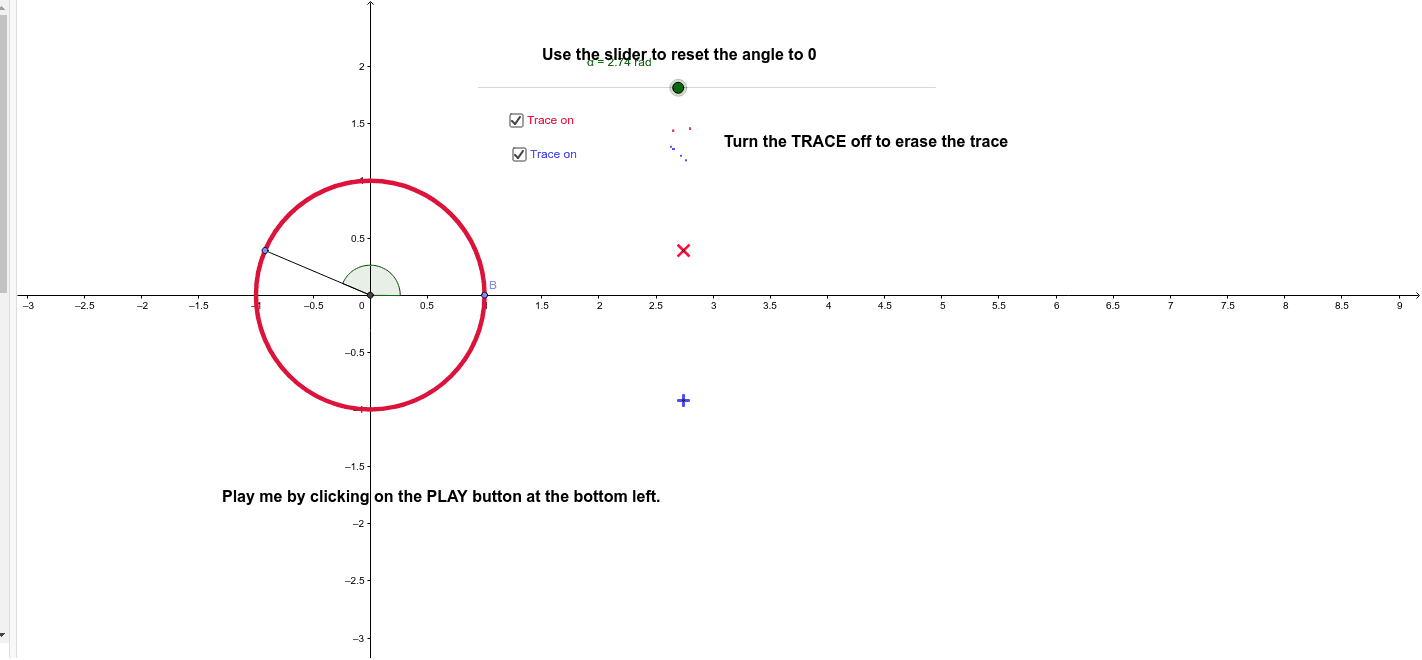
This example dynamically demonstrates the geometric meaning of sine and cosine functions on the unit circle, showing the relationship between angles and the coordinates of corresponding points. It involves core math concepts like trigonometric functions, unit circle, angles, and coordinate geometry. Key GeoGebra commands used include Intersect, Point, Circle, Rotate, Angle, and Segment. Suitable for high school students learning trigonometric functions and analytical geometry.
GeoGebra Commands & Parameters
Intersect(xAxis, yAxis) → APoint(xAxis) → BCircle(A, B) → cRotate(B, α, A) → B'Angle(B, A, B') → βSegment(A, B') → a
AI Drawing Prompt Reference
Draw a unit circle with its center at the origin and radius 1. Take a point B on the x-axis and rotate it around point A to get B', where the rotation angle is controlled by a slider α. Draw a chord a connecting A and B'. Also, measure the angle β at point B, showing the geometric meaning of sine and cosine functions on the unit circle.
The prompt above was compiled from the original drawing commands and is for reference only.