
Simple Pendulum Motion
Loading the math board and drawing, please wait…
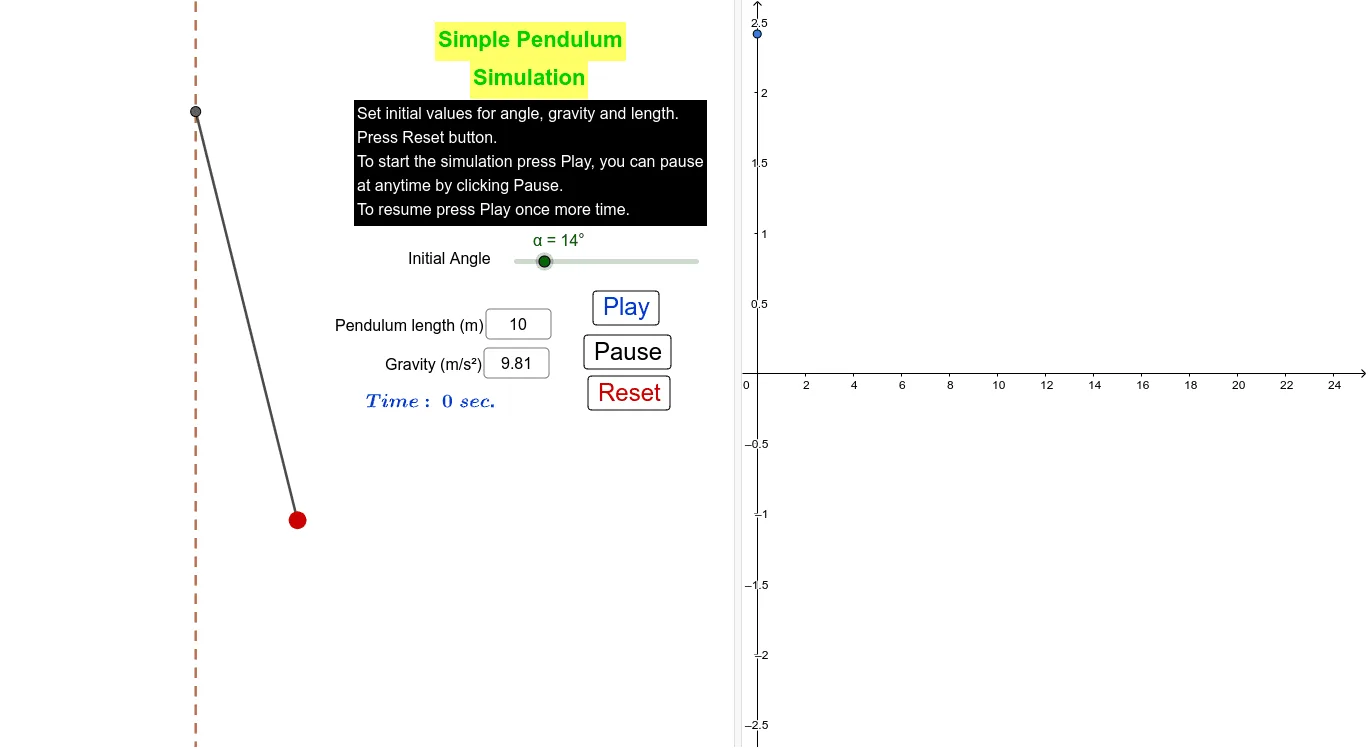
This example demonstrates the motion of a simple pendulum. Key mathematical concepts include trigonometric functions and geometric transformations. Using GeoGebra commands such as Point, Textfield, Segment, Rotate, Angle, etc., the motion model of the pendulum can be constructed. Suitable for high school physics and mathematics education.
GeoGebra Commands & Parameters
Point(yAxis) → ATextfield(L) → InputBox1Textfield(g) → InputBox2Point(Circle[A, L]) → BSegment(A, B) → fRotate(B, (α * cos((sqrt(g / L) * t))), A) → B'Angle(B, A, B') → βSegment(A, B') → hPoint(yAxis) → CLine(A, C) → i
AI Drawing Prompt Reference
On a coordinate plane, construct a simple pendulum motion setup: take a vertical reference axis and place the pivot point on it. Use this pivot as the rotation center, set a labeled rod length input, and draw the initial rod as a segment from the pivot to an endpoint defined by that length along a circle. Then compute the rotated endpoint position using the rod length and gravity inputs with a trigonometric (cosine) time-based expression, connect the pivot to this rotated endpoint with a second segment, and mark the angle between the initial and rotated rods. Finally, include a line through the pivot in the direction of the vertical axis as a reference.
The prompt above was compiled from the original drawing commands and is for reference only.