
Simple Multiplication
Loading the math board and drawing, please wait…
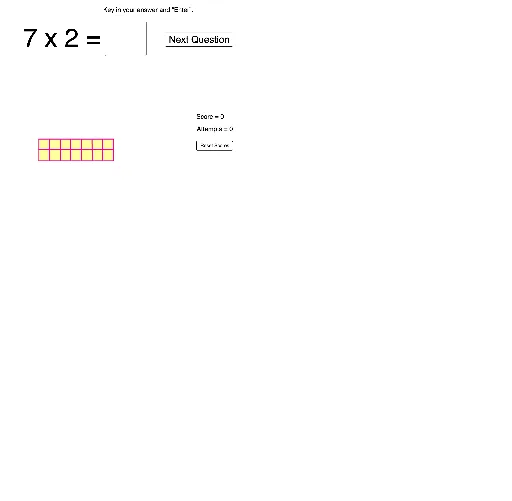
This example demonstrates the geometric representation of multiplication, showing the relationship between the product and factors through dynamic graphics. Core math concepts include multiplication, logarithmic functions, random variables, logarithms, limits, and rational numbers. Construction highlights involve commands/objects like RandomElement, If, Textfield, Point, Segment, OrthogonalLine, Intersect, Polygon, Sequence. Suitable for middle school students and above to understand the geometric meaning of multiplication, and also for probability & statistics teaching.
GeoGebra Commands & Parameters
RandomElement({1, 2, 3, 4, 5, 6, 7, 8, 9}) → bRandomElement({1, 2, 3, 4, 5, 6, 7, 8, 9}) → aIf(c ≟ g, true, false) → dTextfield(g) → InputBox2Point(Circle[Q, a]) → RSegment(Q, R) → hPoint(Circle[Q, b]) → SSegment(Q, S) → iOrthogonalLine(R, h) → jOrthogonalLine(S, i) → kIntersect(k, j) → TPolygon(Q, R, T, S) → q1, q, r, t, sSequence(Segment[Q + (i * (0, 1)), R + (i * (0, 1))], i, 1, b) → list1Sequence(Segment[Q + (i * (1, 0)), S + (i * (1, 0))], i, 1, a) → list2
AI Drawing Prompt Reference
Draw a geometric representation of multiplication by randomly selecting two numbers a and b between 1 and 9 as factors. Use point Q as the center to draw two circles with radii a and b, and draw two line segments h and i from Q that are tangent to the circles. Then draw the perpendicular lines j and k from these line segments. Find the intersection point T of these two perpendicular lines. Finally, use points Q, R, T, and S to form a quadrilateral. From point Q, draw b parallel line segments to h and a parallel line segments to i.
The prompt above was compiled from the original drawing commands and is for reference only.