
Shadow Simulator
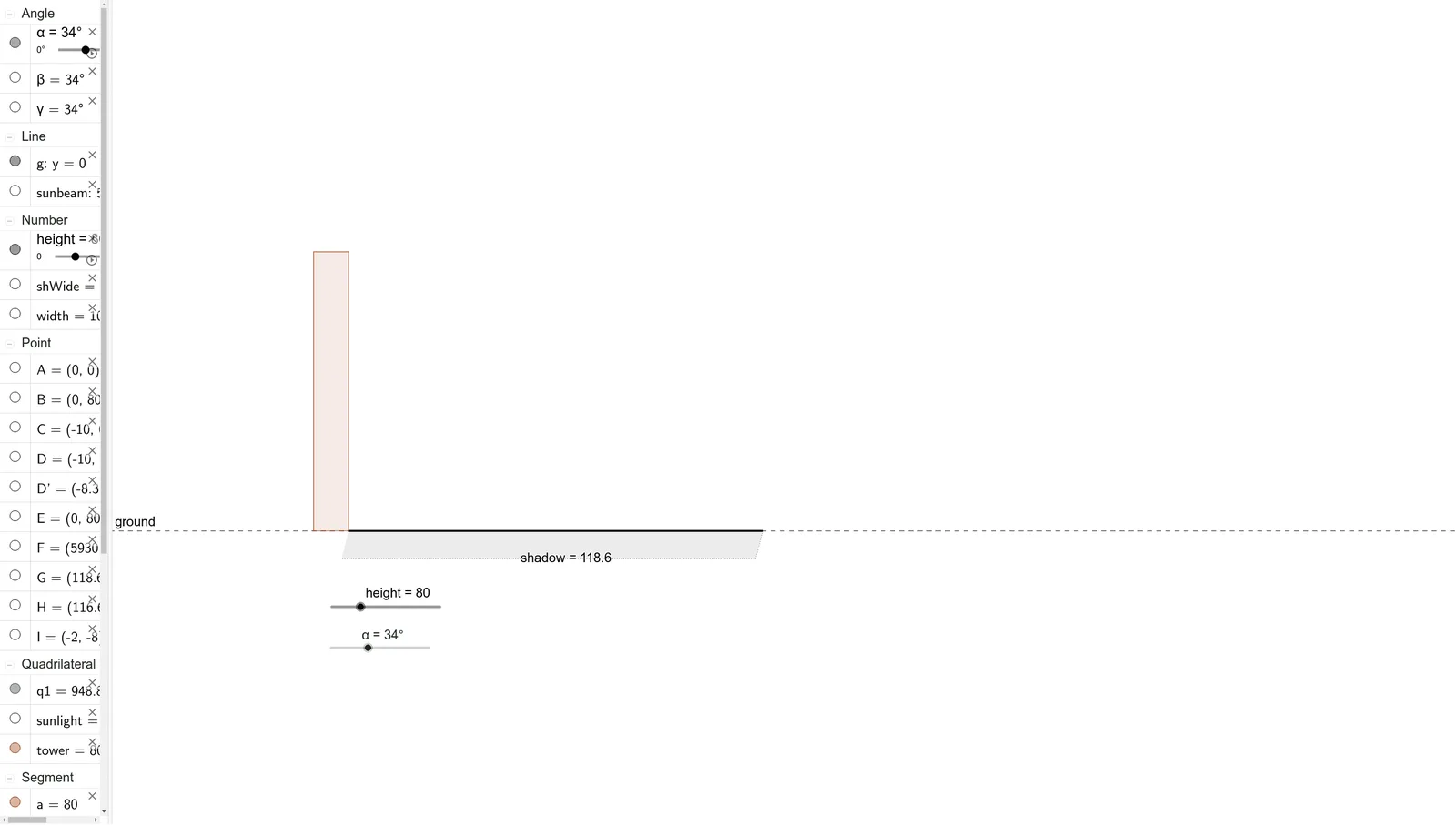
Loading the math board and drawing, please wait…
This example demonstrates how to simulate the shadow of an object under sunlight using similar triangles and trigonometric functions. Key mathematical concepts include similar triangles, trigonometric functions, and angles. It utilizes GeoGebra commands such as line, rotate, segment, polygon, and angle. Suitable for middle school and above students or teachers for teaching and learning.
GeoGebra Commands & Parameters
Intersect(xAxis, yAxis) → ALine(C, A) → gRotate(D, (-α), B) → D'Line(D', B) → sunbeamIntersect(sunbeam, g) → GSegment(A, G) → shadowPolygon(A, B, D, C) → tower, a, b, d, cAngle(D', B, D) → βPolygon(E, B, G, F) → sunlight, e, b_1, g_1, f_1Angle(B, G, A) → γPolygon(A, G, H, I) → q1, a_1, g_2, h, i
AI Drawing Prompt Reference
Draw a geometric diagram simulating an object's shadow under sunlight. Start with a horizontal line as the ground, with a point on it as the base. From the top of a tower, draw a vertical line down to the ground, fixing the tower's base. Rotate the tower's top around its base by an angle to define the sunbeam direction, which intersects the ground at the shadow's end. Connect the base to this intersection to form the shadow segment. Outline the tower as a quadrilateral, and create a triangular region bounded by the sunbeam, ground, and tower side to represent sunlight. Finally, mark the angles between the sunbeam and tower side, between shadow and ground, and the rotation angle at the top.
The prompt above was compiled from the original drawing commands and is for reference only.