
Self Review of Basic Inequalities on a Number Line
Loading the math board and drawing, please wait…
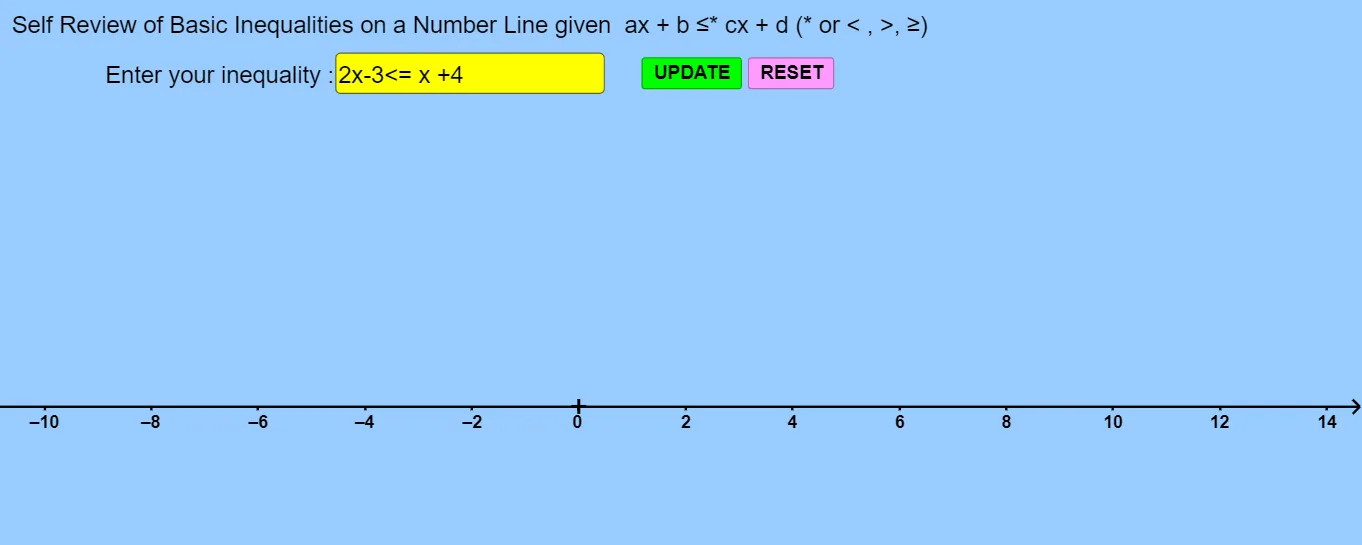
This activity demonstrates how to solve basic inequalities on a number line, starting with simple forms like x < a and progressing to linear inequalities ax + b > c. Using GeoGebra commands such as Solve, If, Segment, and Textfield, the construction dynamically visualizes solution sets with adjustable sliders for parameters a and b, inclusive/exclusive endpoints, and interactive buttons to trigger solving and display results. It is designed for middle and high school students, supporting the teaching of inequality concepts and interactive mathematical exploration.
GeoGebra Commands & Parameters
Solve(a) → l1If(Defined[Element[l1, 1]], Element[l1, 1], a) → a_sIf(Defined[Element[l1, 1]], a_s(Point[a_s, 1]), a(Point[a, 1])) → ainclusiverightIf(Defined[Element[l1, 1]], a_s(Point[a_s, 1] + (1, 0)), a(Point[a, 1] + (1, 0))) → apointrightIf(Defined[Element[l1, 1]], a_s(Point[a_s, 0]), a(Point[a, 0])) → ainclusiveleftIf(Defined[Element[l1, 1]], a_s(Point[a_s, 0] + (-1, 1)), a(Point[a, 0] + (-1, 1))) → apointleftSegment(P_{aLi}, P_{aRi}) → sega_oIf(apointright, Segment[P_{aLi}, P_{aRi}], Segment[P_{aRi}, P_{aLi}]) → sega_AUnicodeToText(Remove[TextToUnicode[Text[l1]], {123, 125}]) → text4Defined(Element[l1, 1]) → bTextfield(textinputA) → InputBox1
AI Drawing Prompt Reference
Draw a number line with the solution set for the inequality x < a. Mark the point a on the line. Use a solid dot to indicate the inclusive endpoint and a hollow dot for the exclusive one. Draw a line segment extending from the left of point a to infinity, with an arrow showing the direction. Add text to explain the solution range.
The prompt above was compiled from the original drawing commands and is for reference only.