
Self Assessment on Straight Line Equations
Loading the math board and drawing, please wait…
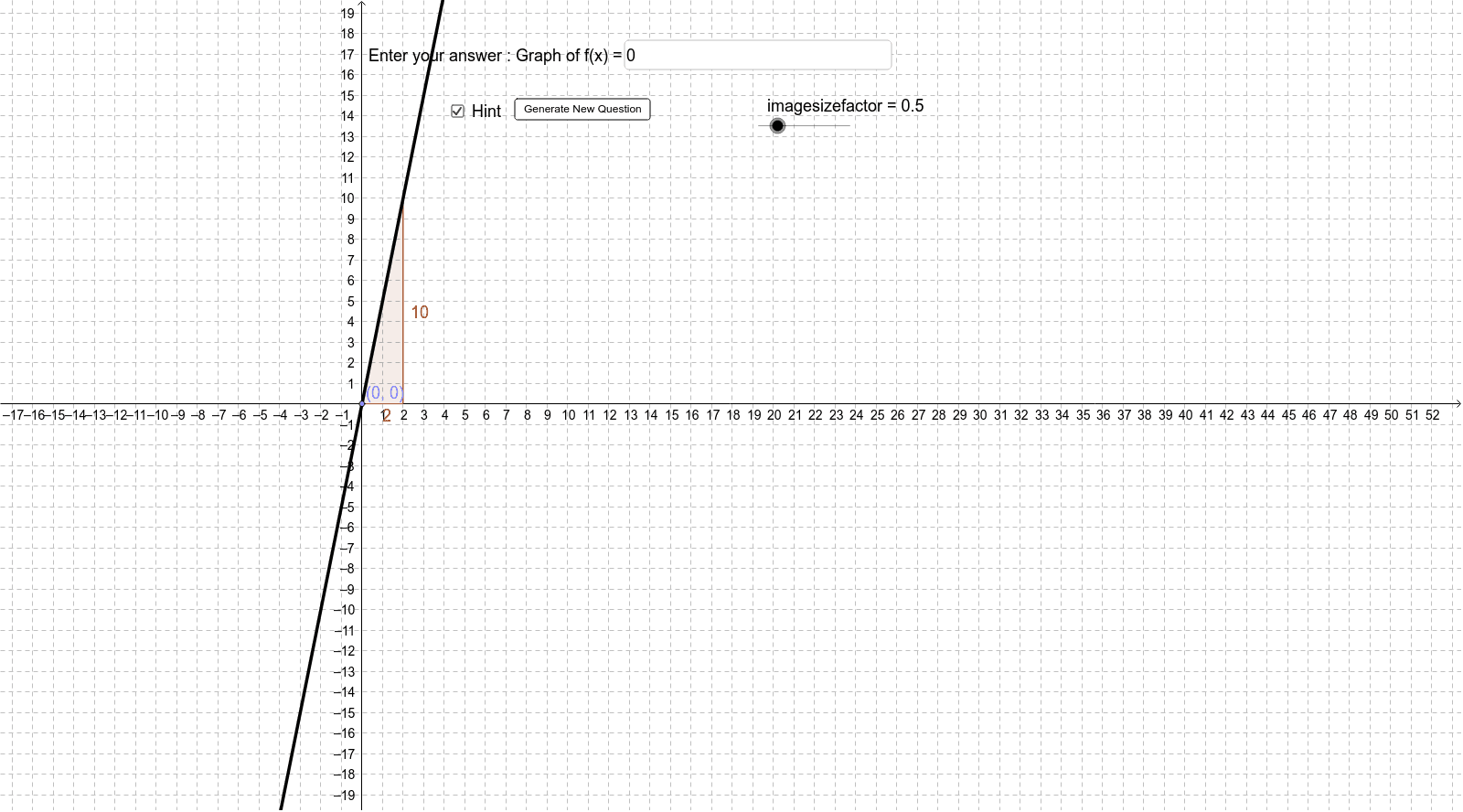
This example demonstrates generating a straight line graph and asking users to input its equation. It involves core math concepts like straight line equations, slope, and coordinate geometry. Constructed using GeoGebra commands/objects such as Random, Point, Line, Slope, Textfield, If. Suitable for middle school and above students practicing identifying and writing straight line equations.
GeoGebra Commands & Parameters
Random(-5, 5) → mRandom(-4, 5) → cPoint(f) → PPoint(f) → BLine(P, B) → aSlope(a) → m_1Textfield(f_{answer}) → inputBox1If(CorrectAnswer ≟ true, "Well Done, Pro! Try another one...", "Take a break, try again!") → text2
AI Drawing Prompt Reference
Generate a straight line with a random slope and mark two random points on it, calculate and display the slope of the line, create a text box for users to input the equation of the line, and show corresponding prompts based on the user's input.
The prompt above was compiled from the original drawing commands and is for reference only.