
Segment Addition and Algebraic Manipulation
Loading the math board and drawing, please wait…
In collections
Addition Postulate
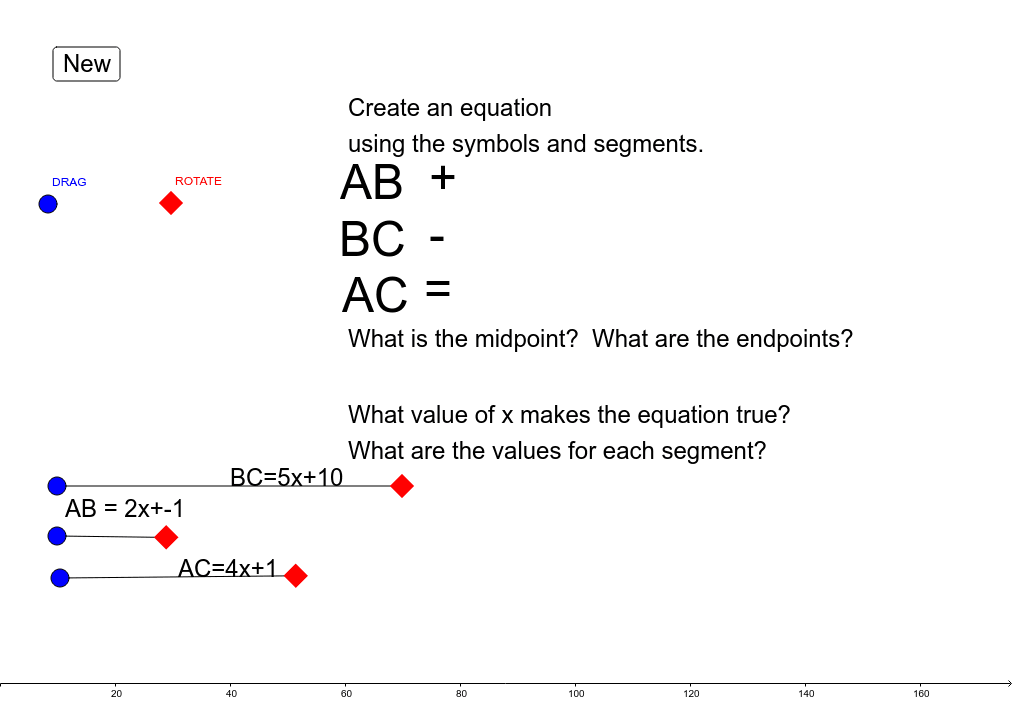
This example demonstrates segment addition using GeoGebra, helping students understand the geometric meaning of adding segment lengths and practice algebraic simplification. Key concepts include segment length, algebraic operations, and geometric construction. Construction involves using commands like Random, Point, and Segment to create random points, line segments, and triangles. Suitable for middle or high school mathematics teaching to reinforce combined geometry and algebra concepts.
GeoGebra Commands & Parameters
Random(5, 8) → coeff_2Random(2, 4) → coeff_1Random(-3, -1) → const_1Random(8, 12) → const_2Random(4, 6) → coeff_3Point(Circle[A, abs(AB)]) → BSegment(A, B) → aPoint(Circle[C, abs(BC)]) → DSegment(C, D) → bPoint(Circle[E, abs(AC)]) → FSegment(E, F) → c
AI Drawing Prompt Reference
Draw a triangle ABC with points A, B, and C on circles centered at A with radius |AB|, at C with radius |BC|, and at E with radius |AC|, respectively. Then, connect points A and B, B and C, and C and E to form segments a, b, and c. Finally, perform algebraic operations based on the segment lengths to demonstrate the geometric meaning of segment addition.
The prompt above was compiled from the original drawing commands and is for reference only.