
Rotation/Reflection Demonstration
Loading the math board and drawing, please wait…
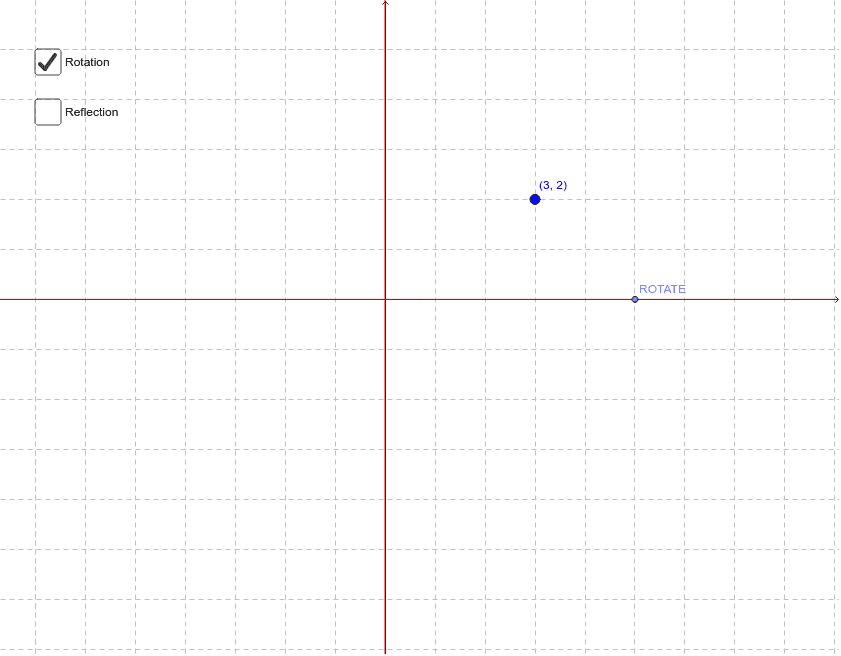
This example demonstrates the concepts of rotation and reflection. It involves key mathematical concepts such as rotation, reflection, and geometric transformations. Using GeoGebra commands like Intersect, Circle, Point, Line, OrthogonalLine, Angle, Rotate, and Mirror, the construction of rotation and reflection effects is achieved. Suitable for secondary school and above, it aids in understanding the basic principles of geometric transformations.
GeoGebra Commands & Parameters
Intersect(xAxis, yAxis) → ACircle(A, B) → cPoint(c) → ROTATELine(A, ROTATE) → aOrthogonalLine(A, a) → bAngle(ROTATE, A, B) → βLine(D, A) → dCircle(A, D) → ePoint(e) → ERotate(D, (-β), A) → D'Angle(D', A, D) → γMirror(D, yAxis) → D'_1Mirror(D, xAxis) → D'_2Point(xAxis) → CPoint(yAxis) → FLine(A, C) → gLine(A, F) → h
AI Drawing Prompt Reference
Draw a geometric diagram demonstrating rotation and reflection. Start by plotting the intersection of coordinate axes and a circle, then mark a point on the circle and draw lines related to the axes. Next, calculate an angle, rotate a point, and obtain new points through mirror operations. Finally, connect key points with multiple lines to show the effects of rotation and reflection, suitable for understanding basic principles of geometric transformations.
The prompt above was compiled from the original drawing commands and is for reference only.