
Rotation of Rectangle
Loading the math board and drawing, please wait…
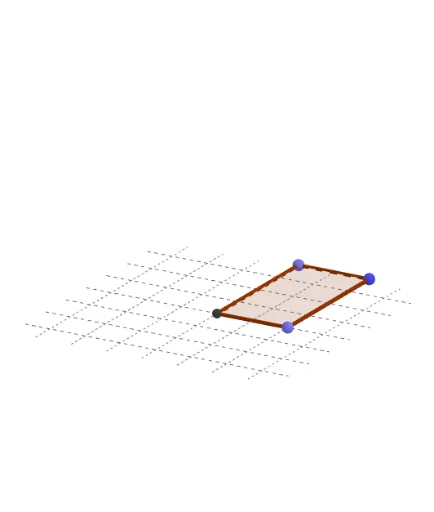
This example demonstrates the rotation of a rectangle. Key mathematical concepts include rotation, isosceles triangles, and trigonometry. Using GeoGebra commands such as Point, Intersect, Polygon, and Rotate, the construction of the rectangle's rotation animation is achieved. Suitable for high school mathematics education and learning.
GeoGebra Commands & Parameters
Point(yAxis) → APoint(xAxis) → CIntersect(xAxis, yAxis) → DPolygon(A, B, C, D) → q1, a, b, c, dRotate(A, (-θ), yAxis) → A'Rotate(B, (-θ), yAxis) → B'Rotate(C, (-θ), yAxis) → C'Rotate(D, (-θ), yAxis) → D'Polygon(A', B', C', D') → q1', a', b', c', d'Cylinder(A, D, Distance[C, D]) → f, g, h, i
AI Drawing Prompt Reference
Draw a rectangle and then rotate it around its center to show the rotation process. Key objects include the original rectangle and its rotated position, with the rotation axis being a vertical line through the intersection of the horizontal and vertical axes. First, plot the intersection point of the horizontal and vertical axes and use it as the center to draw the rectangle. Next, rotate the rectangle around this center point counterclockwise by an angle θ to obtain the new rotated rectangle. Finally, create a 3D view using the original and rotated rectangles along with the rotation axis to demonstrate the rotation effect.
The prompt above was compiled from the original drawing commands and is for reference only.