
Perpendicular Bisector Exploration by Mr. Lietzow
Loading the math board and drawing, please wait…
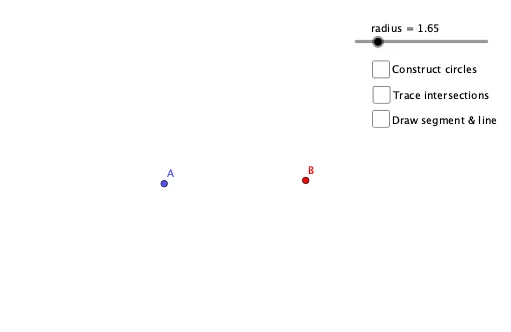
This guided activity helps students discover the properties of perpendicular bisectors. The circles and centers are color-coded to assist understanding. The example demonstrates geometric constructions involving perpendicular bisectors, core math concepts include geometry, triangles, circles, and polygons. GeoGebra commands used are Circle, Intersect, Segment, LineBisector, and Angle. Suitable for middle school mathematics education, particularly for teaching and exploring geometric constructions.
GeoGebra Commands & Parameters
Circle(A, radius) → cCircle(B, radius) → dIntersect(c, d, 1) → CIntersect(c, d, 2) → DSegment(A, B) → fLineBisector(f) → gAngle(f, g) → α
AI Drawing Prompt Reference
Draw a triangle ABC, then draw a circle with AB as the diameter and another circle with BC as the diameter. Find the intersection points C and D of these two circles. Connect points A and B, and then draw the perpendicular bisector of AB. Finally, measure the angle between the perpendicular bisector and AB.
The prompt above was compiled from the original drawing commands and is for reference only.