
Rhombus
Loading the math board and drawing, please wait…
In collections
The GeoGebra's Toolbox for Teachers and Students
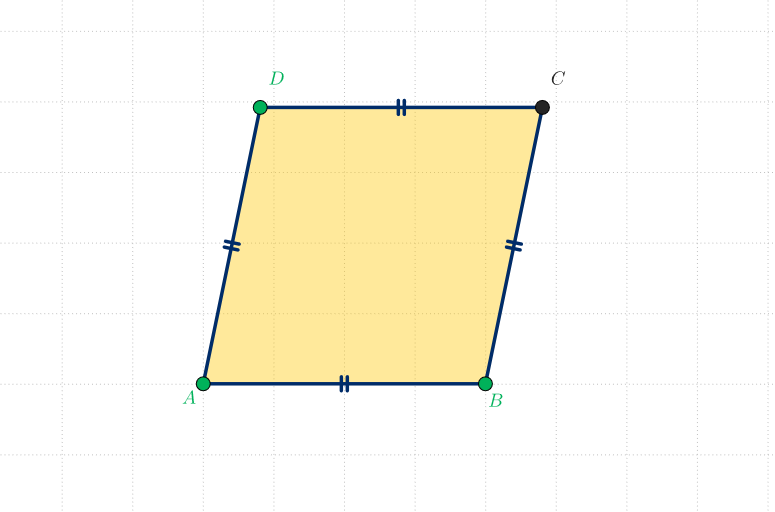
This GeoGebra example demonstrates how to create an interactive rhombus shape for teaching and learning. It is part of the Toolbox collection. Through this example, students can learn the basic concepts of rhombi, including the definition, properties, and applications of rhombi. The example uses Segment, Circle, Point, Mirror, and Polygon GeoGebra commands, involving objects A, B, a, c, D, b, d, C, e, f, and q1. This example is suitable for middle school or high school students learning geometry and mathematics.
GeoGebra Commands & Parameters
Segment(A, B) → aCircle(A, B) → cPoint(c) → DSegment(A, D) → bSegment(D, B) → dMirror(A, d) → CSegment(B, C) → eSegment(C, D) → fPolygon({A, B, C, D}) → q1
AI Drawing Prompt Reference
Draw a rhombus by first creating line segment AB, then drawing a circle with A and B as radius, selecting any point D on the circle, connecting AD and DB, then mirroring AB to get point C, connecting BC and CD, and finally creating a quadrilateral with points A, B, C, and D.
The prompt above was compiled from the original drawing commands and is for reference only.