
Regular Tetrahedron
Loading the math board and drawing, please wait…
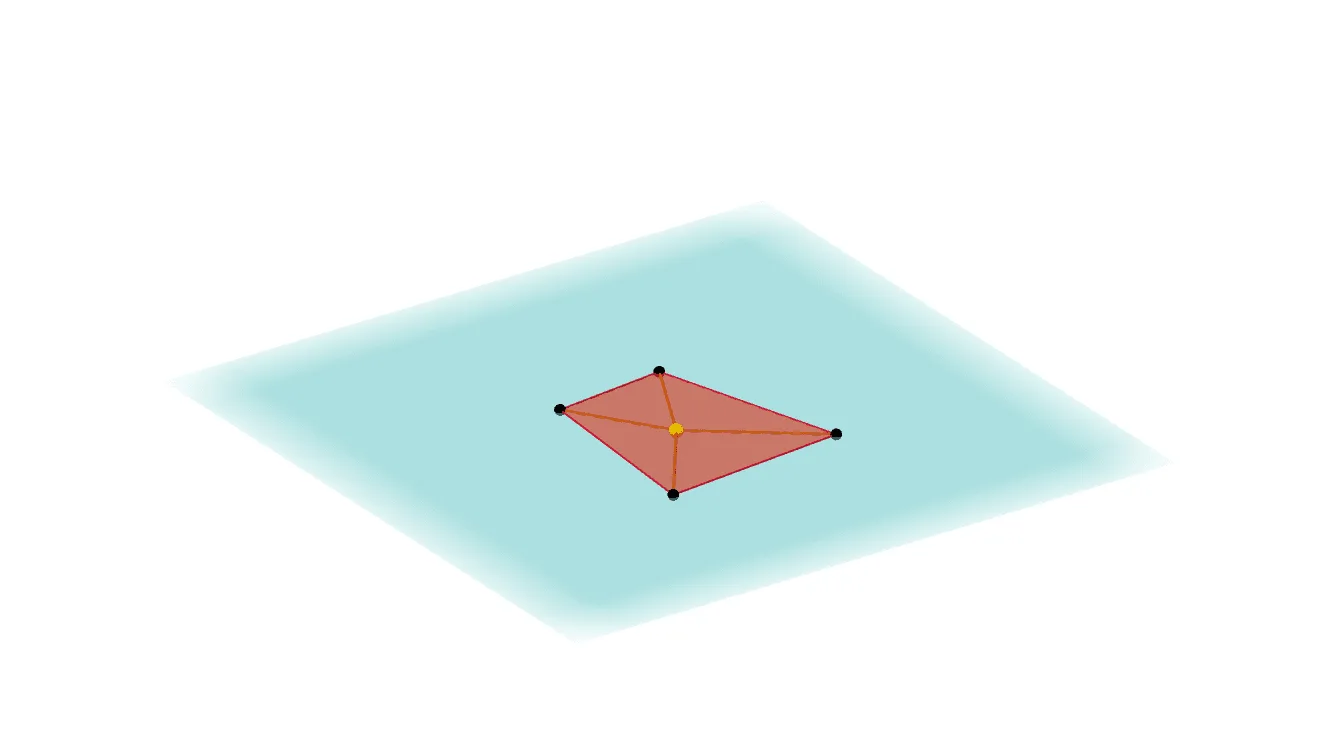
This example demonstrates the construction of a regular tetrahedron, a special type of polyhedron where all faces are equilateral triangles. Using GeoGebra commands such as Point, Intersect, Plane, PointIn, Polygon, and OrthogonalLine, the vertices and faces of the tetrahedron are precisely constructed. This example is suitable for middle school and above students to learn solid geometry, helping them understand the properties and construction methods of polyhedra.
GeoGebra Commands & Parameters
Point(xAxis) → AIntersect(zAxis, xOyPlane) → BPoint(zAxis) → CPoint(yAxis) → DPlane(A, B, D) → aPointIn(a) → FPointIn(a) → HPointIn(a) → IPolygon(I, J, H, F) → poly1, i, j, h, fOrthogonalLine(E, a) → gPoint(g) → GPyramid(poly1, G) → b, faceGIJ, faceGHJ, faceFGH, faceFGI, edgeGI, edgeGJ, edgeGH, edgeFG
AI Drawing Prompt Reference
Draw a regular tetrahedron with four equilateral triangles. Start by taking a point A on the x-axis, then a point C on the z-axis, and a point D on the y-axis. Use points A, B, and D to define a plane a, and then take three points F, H, and I on plane a. Connect F, H, and I to form an equilateral triangle poly1. Next, take a point G on the z-axis and draw a perpendicular line from G to plane a to get point G. Finally, construct the regular tetrahedron b with poly1 as the base and G as the apex, including four faces faceGIJ, faceGHJ, faceFGH, and faceFGI, and six edges edgeGI, edgeGJ, edgeGH, and edgeFG.
The prompt above was compiled from the original drawing commands and is for reference only.