
Draw a Cone
Loading the math board and drawing, please wait…
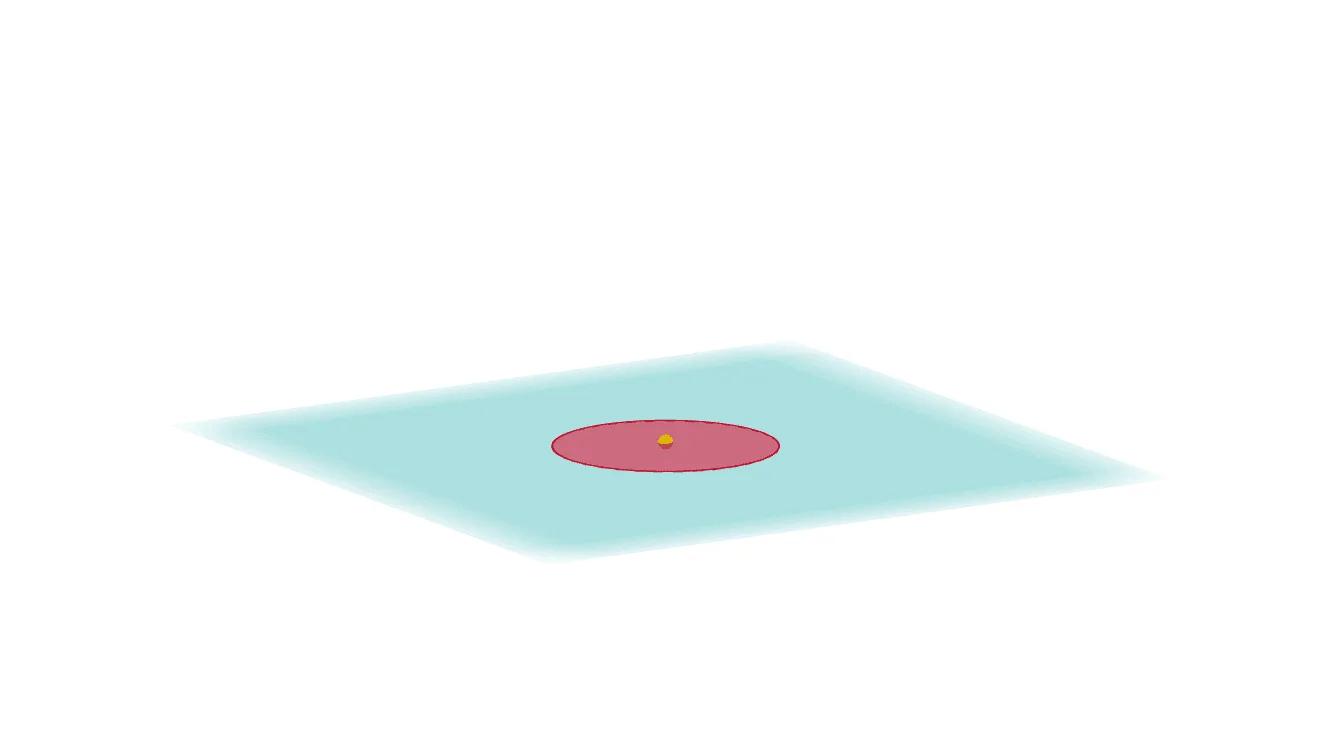
This example demonstrates how to draw a cone using GeoGebra. It involves the geometric construction of a cone, using commands such as Point, Intersect, Plane, PointIn, OrthogonalLine, Circle, and Cone. This dynamic display of cone generation is suitable for high school mathematics education and learning.
GeoGebra Commands & Parameters
Point(xAxis) → AIntersect(zAxis, xOyPlane) → BPoint(zAxis) → CPoint(yAxis) → DPlane(A, B, D) → aPointIn(a) → EOrthogonalLine(E, a) → fCircle(E, 1, f) → cCone(c, -0.03909519128934148) → b, d, e