
Regular Polygons Demo
Loading the math board and drawing, please wait…
In collections
Regular Polygons
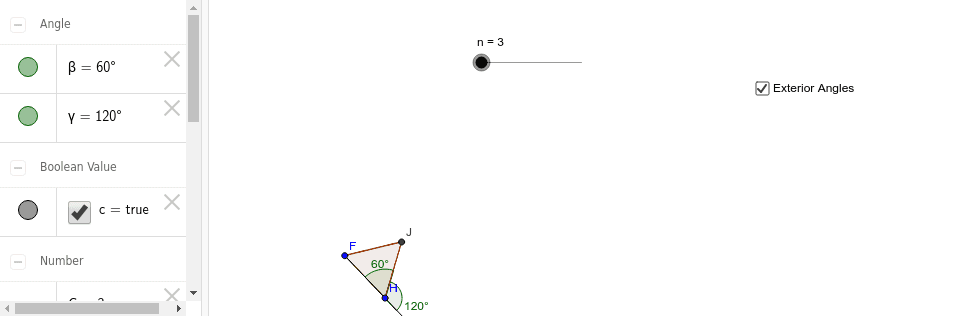
This example demonstrates how to dynamically generate regular polygons by changing the number of vertices. It involves core mathematical concepts like polygon definition, angle calculation, and geometric construction. Key GeoGebra commands used include Polygon, Angle, Ray, and Point, with a Slider to adjust the number of vertices. Suitable for high school mathematics teaching to visually illustrate polygon properties and geometric transformations.
GeoGebra Commands & Parameters
Polygon(F, H, n) → poly2, d, l, m, p, J, A, C, D, E, I, K, e, L, M, N, a, f, g, h, i, j, kAngle(J, H, F) → βRay(F, H) → bPoint(b) → BAngle(B, H, J) → γ
AI Drawing Prompt Reference
Draw a regular polygon that dynamically changes the number of vertices using a slider to demonstrate the construction process. Start by drawing a ray from a point, then mark points along the ray according to the slider's value to determine the vertices. Connect the adjacent points to form the polygon. Also, calculate and display the angle between consecutive sides to visualize the relationship between angle changes and vertex count, aiding in understanding the geometric properties of regular polygons.
The prompt above was compiled from the original drawing commands and is for reference only.