
Rectangle with given perimeter sum and angle
Loading the math board and drawing, please wait…
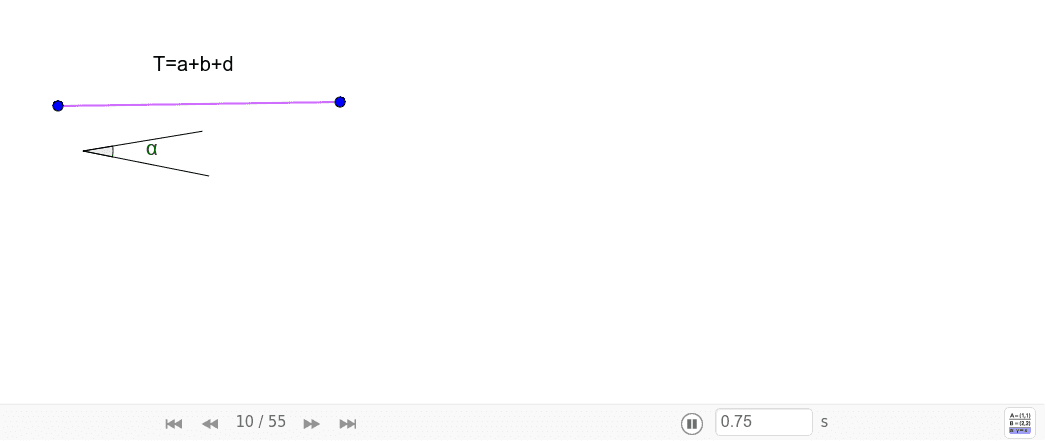
This example demonstrates how to construct a rectangle with a specified sum of its sides and the angle between a side and its diagonal. It involves core mathematical concepts such as rectangle geometry, linear programming, and angle calculations. The construction uses GeoGebra commands like Segment, Angle, Ray, Point, Rotate, Circle, Intersect, OrthogonalLine, Polygon, and Line. Suitable for high school mathematics education, helping students understand geometric constructions and optimization problems.
GeoGebra Commands & Parameters
Segment(F, G) → TSegment(N, O) → gSegment(N, P) → g_1Angle(P, N, O) → αRay(A, B) → iPoint(i) → A_1Rotate(A_1, α, A) → B'Angle(B, A, B') → γRay(A, B') → hCircle(B', A) → cIntersect(c, h, 2) → DOrthogonalLine(D, i) → jIntersect(j, i) → ESegment(D, E) → nSegment(A, E) → kSegment(A, D) → pPolygon(D, A, E) → poly1, e_1, d_1, aLine(E, B') → h_1Intersect(c, h_1, 2) → CPolygon(D, C, A, E) → poly3, d_2, c_1, a_2, e_2Angle(D, E, A) → βCircle(D, E) → dIntersect(d, h, 2) → HSegment(D, H) → lCircle(H, k) → eIntersect(e, h, 2) → ISegment(H, I) → mCircle(A, T) → rIntersect(r, p, 1) → ZIntersect(h, p) → QIntersect(h, p) → RSegment(I, E) → i_1Intersect(h, p) → SIntersect(h, p) → UIntersect(h, p) → VIntersect(h, p) → WIntersect(r, h) → J,Segment(J, A) → fSegment(I, E) → qLine(J, q) → sIntersect(s, i) → KOrthogonalLine(K, k) → tIntersect(t, h) → LLine(L, k) → bOrthogonalLine(A, b) → f_1Intersect(f_1, b) → MPolygon(L, M, A, K) → poly2, l_1, m_1, a_1, k_1