
Rectangle Properties Exploration by rmann
Loading the math board and drawing, please wait…
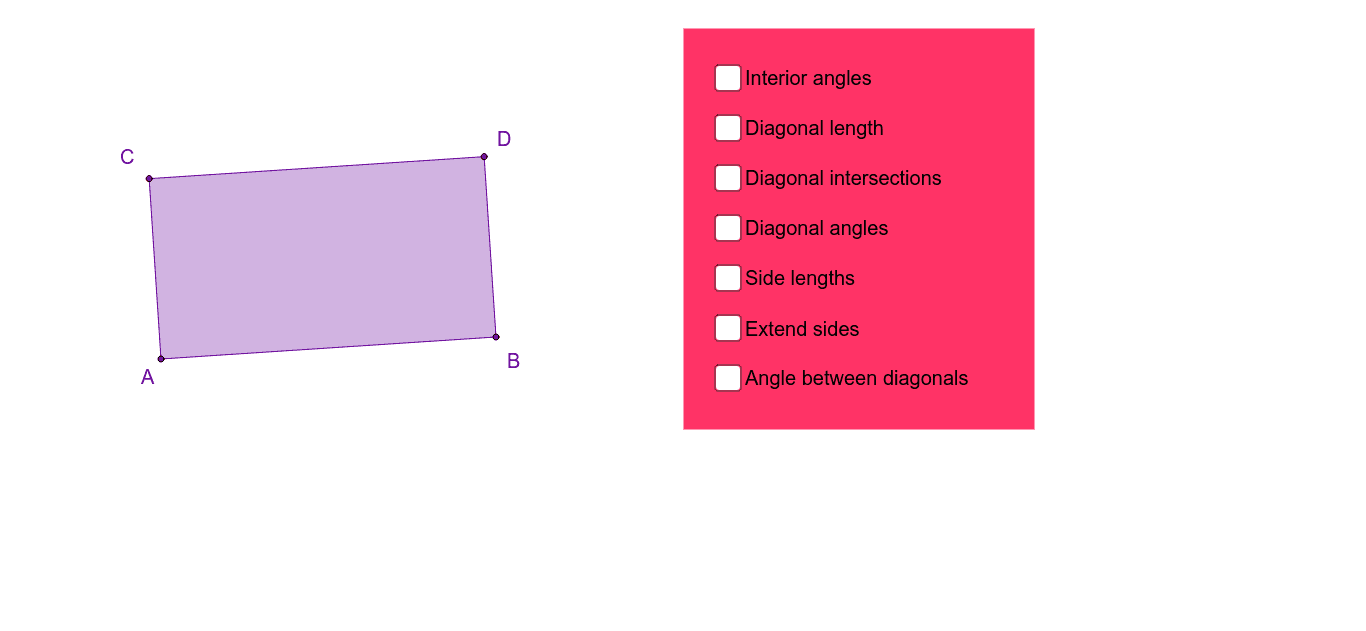
① This applet dynamically demonstrates the fundamental properties of rectangles, including opposite sides parallel and equal, all four angles being right angles, and diagonals equal and bisecting each other. ② Core mathematical concepts include the definition of a rectangle, parallel and perpendicular lines, polygon interior angles, diagonal properties, and symmetry. ③ Construction highlights: using GeoGebra commands such as Line, OrthogonalLine, Point, Intersect, Polygon, Segment, and Angle to construct the rectangle and its diagonals, measuring angles α, β, γ, δ and segment lengths, allowing dragging vertices to verify invariant properties. ④ Suitable for middle school geometry lessons or independent student exploration, providing an intuitive visual aid for understanding the special properties of rectangles compared to general parallelograms, and supporting geometric proof activities.
GeoGebra Commands & Parameters
Line(A, B) → aOrthogonalLine(A, a) → bOrthogonalLine(B, a) → cPoint(b) → CLine(C, a) → dIntersect(c, d) → DPolygon(A, B, D, C) → poly1, a_1, b_1, d_1, c_1Segment(A, D) → ADSegment(C, B) → CBSegment(A, D) → fSegment(C, B) → gIntersect(f, g) → ESegment(E, A) → EASegment(E, C) → ECSegment(E, D) → EDSegment(E, B) → EBAngle(poly1) → α, β, γ, δSegment(A, D) → jSegment(C, B) → kAngle(k, j) → εSegment(C, D) → CDSegment(D, B) → DBSegment(B, A) → BASegment(A, C) → ACSegment(A, D) → nSegment(C, B) → pAngle(B, A, D) → ζAngle(D, A, C) → ηAngle(A, C, B) → θAngle(B, C, D) → ιAngle(C, D, A) → κAngle(A, D, B) → λAngle(D, B, C) → μAngle(C, B, A) → νLine(C, A) → qLine(A, B) → rLine(B, D) → sLine(D, C) → tPolygon(F, G, H, I) → poly2, f_1, g_1, h_1, i_1
AI Drawing Prompt Reference
Draw a rectangle to demonstrate its properties: opposite sides are parallel and equal in length, all angles are right angles, and diagonals are equal and bisect each other. Measure and label the angles α, β, γ, δ and the lengths of the diagonals, verifying these invariance properties by dragging the vertices. Also, draw the diagonals of the rectangle and label their intersection point, showing how the diagonals bisect each other at this point.
The prompt above was compiled from the original drawing commands and is for reference only.