
Geometric Construction: Building a Polygon with Angle Bisectors from Points
Loading the math board and drawing, please wait…
In collections
geometriadinamica.es
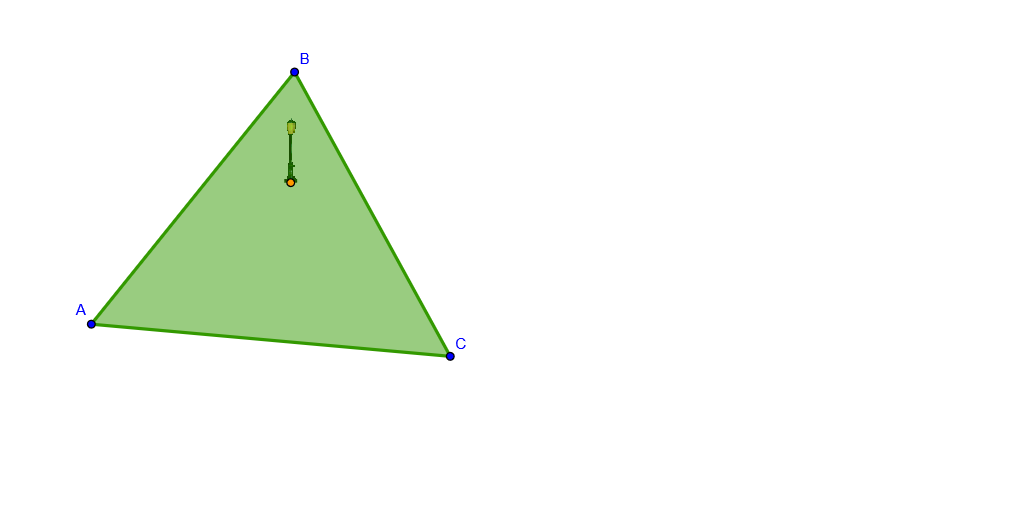
This example demonstrates how to construct a geometric configuration from given points, using polygon construction and angle-bisector (or bisector-style) lines to create structured, often symmetric, relationships that can later support measurement-based reasoning. The key mathematical ideas include coordinate geometry, 2D vector relationships, and geometry-as-a-model, which is commonly used when probability problems require translating “tasks/assignments” into positions and regions. Construction highlights: the GeoGebra build relies on the commands Polygon and LineBisector, using objects A, B, C to form the main polygon poly1, while auxiliary elements such as c, a, b, D, g, h, and pic2 help define the needed lines/segments and the bisector-derived geometry that shapes the final diagram. Suitable for middle and high school students studying construction geometry, as well as for learners applying geometry modeling in probability and statistics.
GeoGebra Commands & Parameters
Polygon(A, B, C) → poly1, c, a, bLineBisector(a) → gLineBisector(c) → h
AI Drawing Prompt Reference
Draw a convex polygon formed by three points and bisect the angles of two of its sides, with the bisectors originating from the midpoints of the respective sides. The final image should exhibit symmetry, with the angle bisectors intersecting the sides at specific points, creating a geometric configuration with multiple auxiliary lines.
The prompt above was compiled from the original drawing commands and is for reference only.