
Kite Properties Exploration by rmann
Loading the math board and drawing, please wait…
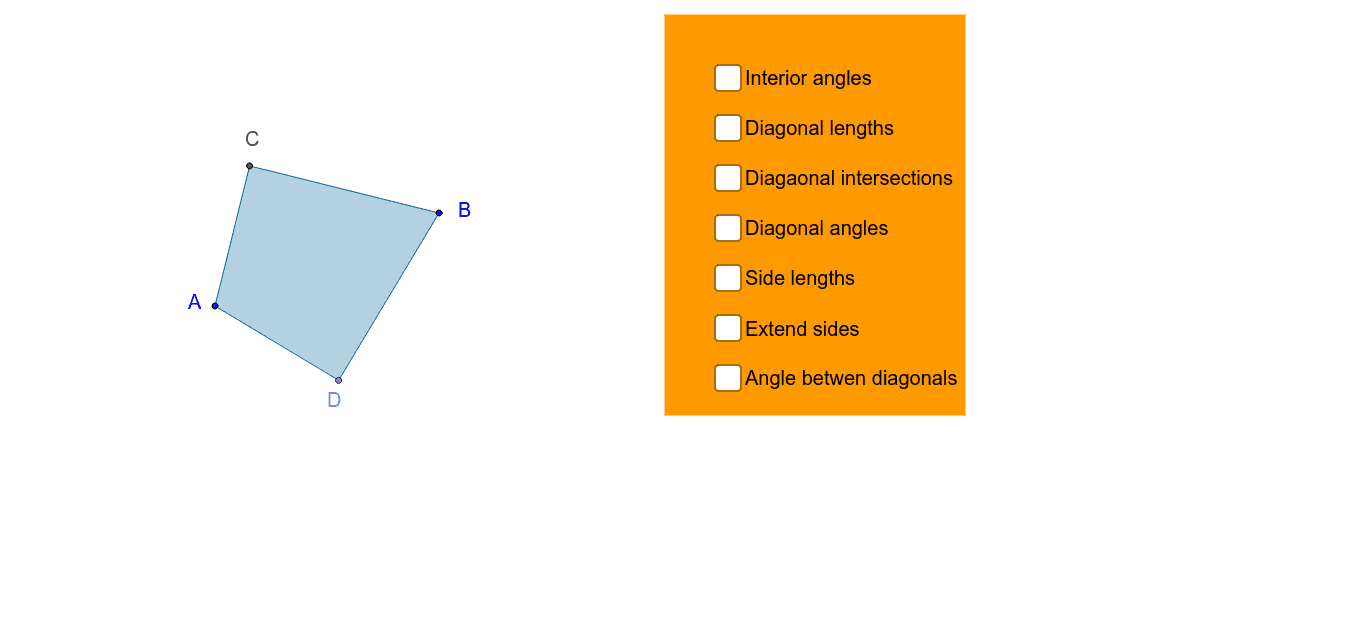
This example demonstrates the properties of a kite through interactive exploration, focusing on diagonals, angles, circumcircle, and symmetry. Key math concepts include polygons, geometric transformations, equations, and circle properties. Constructed using GeoGebra commands like Line, Point, Circle, and Intersect. Ideal for high school geometry education and exploratory learning.
GeoGebra Commands & Parameters
Line(A, B) → aSegment(A, B) → bPoint(b) → C_1OrthogonalLine(C_1, b) → cPoint(c) → DCircle(A, D) → dIntersect(d, c, 2) → CPolygon(A, D, B, C) → poly1, a_1, d_1, b_1, eSegment(A, B) → ABSegment(D, C) → DCIntersect(AB, DC) → ESegment(E, D) → EDSegment(E, B) → EBSegment(E, C) → ECSegment(E, A) → EASegment(A, D) → ADSegment(D, B) → DBSegment(B, C) → BCSegment(C, A) → CASegment(D, C) → iSegment(A, B) → jAngle(i, j) → αAngle(poly1) → β, γ, δ, εSegment(B, A) → mSegment(C, D) → nAngle(D, A, B) → ζAngle(B, A, C) → ηAngle(A, C, D) → θAngle(D, C, B) → ιAngle(C, B, A) → κAngle(A, B, D) → λAngle(B, D, C) → μAngle(C, D, A) → νPoint(m) → FPoint(n) → GLine(F, G) → pPoint(m) → HLine(G, H) → qPoint(n) → ILine(H, I) → rLine(I, F) → sPolygon(J, K, L, M) → poly2, j_1, k_1, l_1, m_1
AI Drawing Prompt Reference
Draw a kite with its diagonals, intersection points, circumcircle, and symmetry axes. Start by drawing two intersecting line segments, find their intersection and perpendicular bisectors. Use one segment as a diameter to draw a circle, marking the intersection points as kite vertices. Connect these points to form the kite, then draw the diagonals and perpendicular bisectors, highlighting key angles and symmetry features.
The prompt above was compiled from the original drawing commands and is for reference only.