
Rectangle Perimeter and Area Example
Loading the math board and drawing, please wait…
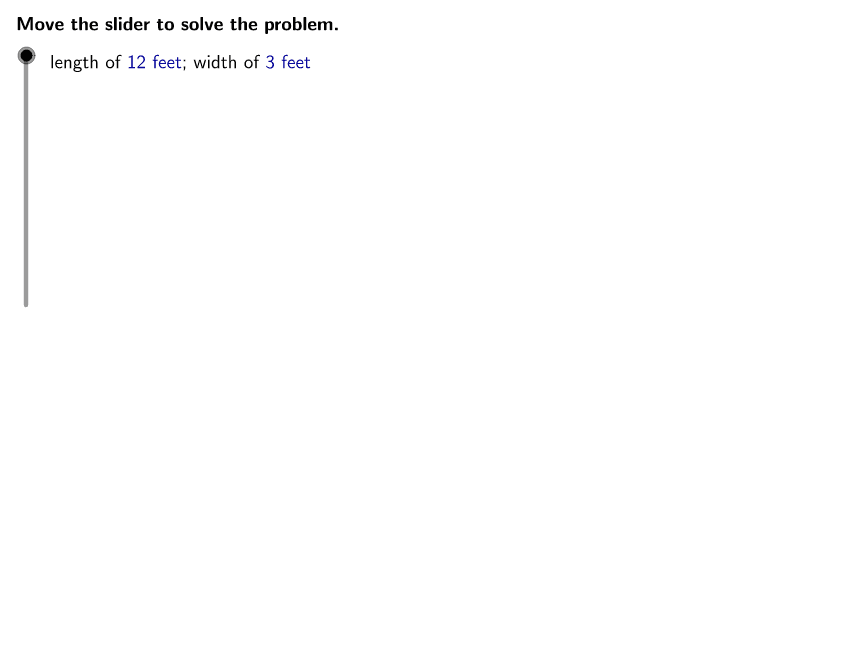
This example demonstrates calculating the perimeter and area of a rectangle with given length and width. Key mathematical concepts include the area formula (length × width) and perimeter formula (2×(length + width)). Construction involves using GeoGebra commands like Corner, TableText, length, width, area, and perimeter. Suitable for middle school math teaching or geometric practice.
GeoGebra Commands & Parameters
LaTeX(steps) → counterLaTeX("\text{Use the buttons below to return to the original problem or}\cr\text{randomly generate a similar practice problem.}") → RandomizationTextCorner(1) → ACorner(3) → BLaTeX("\text{State the expressions used to find the perimeter and area of a rectangle.}") → text1LaTeX("\text{The perimeter of a rectangle is found using the expression }\textcolor{#000099}{2L + 2W}.") → text2LaTeX("\text{The area of a rectangle is found using the expression }\textcolor{#000099}{LW}.") → text3LaTeX((((("\text{Evaluate the expression for perimeter using }\textcolor{#000099}{L = " * length) * "}\text{ and }\textcolor{#000099}{W = ") * width) * "}.")) → text4LaTeX((((("\text{Evaluate the expression for area using }\textcolor{#000099}{L = " * length) * "}\text{ and }\textcolor{#000099}{W = ") * width) * "}.")) → text11LaTeX("\text{Substitute the value of each variable into the expression. }\cr\text{Then, simplify the expression using the order of operations.}") → text5TableText({{LaTeX["\textcolor{#000099}{2L + 2W}"], LaTeX["\text{Expression representing perimeter}"]}}, "l") → text6LaTeX("\text{Substitute the value of each variable into the expression. }\cr\text{Then, simplify the expression using the order of operations.}") → text12TableText({{LaTeX["\textcolor{#000099}{LW}"], LaTeX["\text{Expression representing area}"]}}, "l") → text13TableText({{LaTeX["\textcolor{#000099}{LW}"], LaTeX["\text{Expression representing area}"]}, {LaTeX[(((("\text{= }\textcolor{#000099}{(" * length) * ")(") * width) * ")}")], LaTeX[(((("\text{Substitute }\textcolor{#000099}{" * length) * "}\text{ for }\textcolor{#000099}{L}\text{ and }\textcolor{#000099}{") * width) * "}\text{ for }\textcolor{#000099}{W}.")]}}, "l") → text14TableText({{LaTeX["\textcolor{#000099}{2L + 2W}"], LaTeX["\text{Expression representing perimeter}"]}, {LaTeX[(((("\text{= }\textcolor{#000099}{2(" * length) * ") + 2(") * width) * ")}")], LaTeX[(((("\text{Substitute }\textcolor{#000099}{" * length) * "}\text{ for }\textcolor{#000099}{L}\text{ and }\textcolor{#000099}{") * width) * "}\text{ for }\textcolor{#000099}{W}.")]}}, "l") → text7TableText({{LaTeX["\textcolor{#000099}{2L + 2W}"], LaTeX["\text{Expression representing perimeter}"]}, {LaTeX[(((("\text{= }\textcolor{#000099}{2(" * length) * ") + 2(") * width) * ")}")], LaTeX[(((("\text{Substitute }\textcolor{#000099}{" * length) * "}\text{ for }\textcolor{#000099}{L}\text{ and }\textcolor{#000099}{") * width) * "}\text{ for }\textcolor{#000099}{W}.")]}, {LaTeX[(((("\text{= }\textcolor{#000099}{" * twoL) * " + ") * twoW) * "}")], LaTeX["\text{Multiply.}"]}}, "l") → text8TableText({{LaTeX["\textcolor{#000099}{2L + 2W}"], LaTeX["\text{Expression representing perimeter}"]}, {LaTeX[(((("\text{= }\textcolor{#000099}{2(" * length) * ") + 2(") * width) * ")}")], LaTeX[(((("\text{Substitute }\textcolor{#000099}{" * length) * "}\text{ for }\textcolor{#000099}{L}\text{ and }\textcolor{#000099}{") * width) * "}\text{ for }\textcolor{#000099}{W}.")]}, {LaTeX[(((("\text{= }\textcolor{#000099}{" * twoL) * " + ") * twoW) * "}")], LaTeX["\text{Multiply.}"]}, {LaTeX[(("\text{= }\textcolor{#000099}{" * perimeter) * "}")], LaTeX["\text{Add.}"]}}, "l") → text9LaTeX("\text{Move the slider to solve the problem.}") → text0TableText({{LaTeX["\textcolor{#000099}{LW}"], LaTeX["\text{Expression representing area}"]}, {LaTeX[(((("\text{= }\textcolor{#000099}{(" * length) * ")(") * width) * ")}")], LaTeX[(((("\text{Substitute }\textcolor{#000099}{" * length) * "}\text{ for }\textcolor{#000099}{L}\text{ and }\textcolor{#000099}{") * width) * "}\text{ for }\textcolor{#000099}{W}.")]}, {LaTeX[(("\text{= }\textcolor{#000099}{" * area) * "}")], LaTeX["\text{Multiply.}"]}}, "l") → text15LaTeX((((("\text{length of }\textcolor{#000099}{" * length) * "\text{ feet}}\text{; width of }\textcolor{#000099}{") * width) * "\text{ feet}}")) → ProblemLaTeX((("\text{The perimeter of the rectangle is }\textcolor{#000099}{" * perimeter) * "\text{ feet}}.")) → text10LaTeX((((("\text{The area of the rectangle is }\textcolor{#000099}{" * area) * "\text{ square feet}}\text{ or }\textcolor{#000099}{") * area) * " \text{ ft^2}}.")) → text16
AI Drawing Prompt Reference
Please draw a rectangle and add some text descriptions next to it. First, draw a rectangular shape representing the outline of a rectangle. Then, add two horizontal lines above and below the rectangle to indicate length and width. Next, place text descriptions beside these lines, such as 'length of certain feet' and 'width of certain feet'. Finally, add some text on the right side of the rectangle describing its perimeter and area, like 'perimeter is certain feet' and 'area is certain square feet or certain ft^2'. Ensure all text is clearly visible and logically positioned relative to the rectangle.
The prompt above was compiled from the original drawing commands and is for reference only.