
Rectangle Area Calculation
Loading the math board and drawing, please wait…
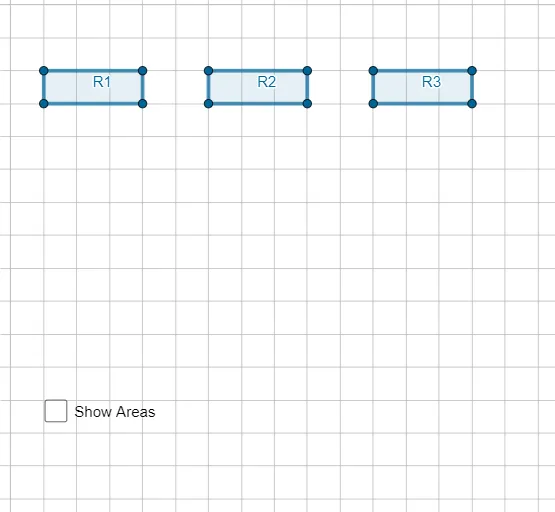
This example demonstrates how to construct and calculate the area of rectangles using GeoGebra. It involves core mathematical concepts such as area calculation, arithmetic operations, rectangle properties, sequences and series, hypothesis testing, similar triangles, upper and lower sum or Riemann sum, and cylinders. The construction uses commands like Polygon and objects including A, B, C, D, R1, a, b, c, d, E, F, G, H, R2, e, f, g, h, I, J, K, L, R3, i, j, k, l, area1, area2, area3, m, and text1. It is suitable for high school mathematics teaching, demonstrating area calculation methods and geometric constructions.
GeoGebra Commands & Parameters
Polygon(A, B, C, D) → R1, a, b, c, dPolygon(E, F, G, H) → R2, e, f, g, hPolygon(I, J, K, L) → R3, i, j, k, l
AI Drawing Prompt Reference
Draw three rectangles defined by four vertices each, showing the side lengths and area of each rectangle, and label the three area values together with their sum. The first rectangle is the largest, the second medium, the third smallest, arranged sequentially with sides parallel to the axes, and each area is computed and displayed as a text label clearly in the diagram.
The prompt above was compiled from the original drawing commands and is for reference only.