
Random Slope
Loading the math board and drawing, please wait…
In collections
Randomised Questions
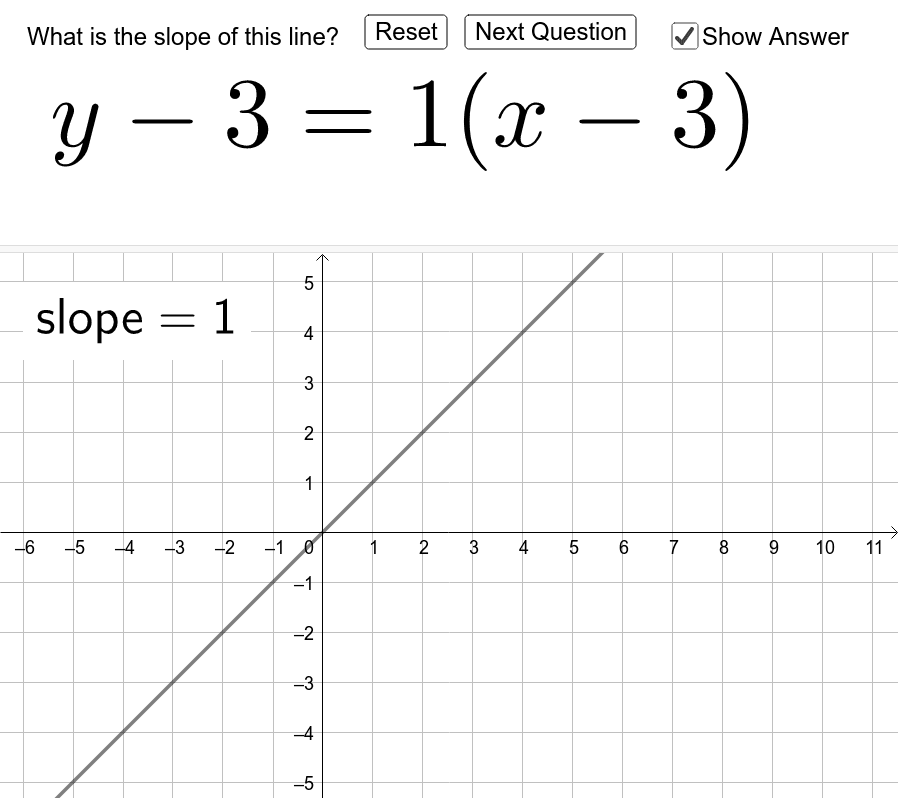
This example demonstrates lines with random slopes. Key mathematical concepts include linear equations and random number generation. It uses commands such as Shuffle, Element, Random, If, and FractionText. Suitable for middle school and above students to learn linear equations and probability statistics.
GeoGebra Commands & Parameters
Shuffle({"x", "y", ""}) → varsElement(vars, 3) → var3Element(vars, 2) → var2Random(-5, 4) → c_1Element(vars, 1) → var1Random(-5, 4) → b_1If(c_1 ≟ 0, 5, c_1) → cRandom(-5, 4) → a_1If(b_1 ≟ 0, 5, b_1) → bIf(a_1 ≟ 0, 5, a_1) → aFractionText(Slope[line]) → slopeText
AI Drawing Prompt Reference
Draw multiple lines with random slopes to demonstrate the concept of linear equations and random number generation. Each line uses randomly generated intercepts and slopes, where the slope is randomly chosen between -5 and 4 unless it is zero, in which case it is fixed at 5. Use a slider to control the number of lines and their randomness, while labeling the slope value of each line.
The prompt above was compiled from the original drawing commands and is for reference only.