
Random Numbers in GeoGebra Classroom
Loading the math board and drawing, please wait…
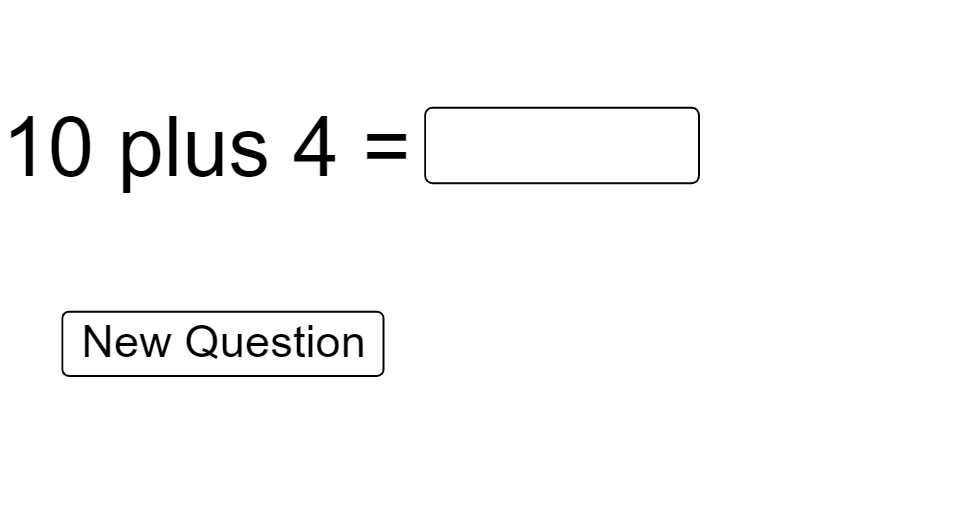
① This example demonstrates how to generate random numbers within GeoGebra Classroom, allowing students to interact with input fields and receive immediate feedback on their answers. ② The core mathematical concepts include random number generation, integer arithmetic, comparison, and basic counting logic, which can support arithmetic practice or an intuitive introduction to probability. ③ Construction highlights: using GeoGebra commands Shuffle and Element to create random number sequences, Textfield for student input, If for conditional answer checking, a button (button1) to trigger evaluation, check/cross objects to display correctness, and count/count2 to track attempts. ④ Suitable for upper elementary to middle school levels, this is ideal for classroom interactive exercises, random question generation, or demonstrating stochastic processes in a visual and engaging way.
GeoGebra Commands & Parameters
Shuffle(Sequence[Random[0, 10], i, 1, 100]) → randomNos, {7, 4, 7, 4, 7, 10, 3, 4, 5, 9, 5, 1, 3, 0, 3, 1, 6, 6, 0, 9, 2, 2, 2, 0, 9, 9, 4, 6, 1, 10, 4, 2, 0, 2, 3, 7, 5, 10, 0, 2, 2, 9, 7, 6, 4, 6, 5, 8, 6, 3, 6, 3, 5, 6, 3, 1, 5, 10, 3, 5, 4, 4, 1, 7, 9, 8, 10, 7, 4, 8, 7, 0, 8, 2, 6, 2, 1, 5, 5, 4, 8, 3, 0, 5, 9, 2, 5, 3, 9, 6, 5, 2, 8, 10, 10, 4, 2, 8, 10, 5}Shuffle(Sequence[Random[0, 10], i, 1, 100]) → randomNos2, {10, 7, 1, 6, 3, 4, 2, 8, 0, 1, 10, 9, 3, 9, 9, 6, 2, 2, 3, 4, 7, 5, 6, 9, 1, 3, 7, 1, 9, 1, 3, 5, 7, 3, 7, 5, 9, 0, 5, 4, 2, 7, 8, 8, 6, 3, 6, 7, 10, 1, 4, 5, 7, 9, 6, 10, 9, 9, 6, 1, 2, 2, 2, 7, 6, 7, 0, 2, 3, 10, 3, 1, 2, 8, 3, 2, 6, 4, 4, 8, 10, 5, 6, 8, 6, 7, 3, 6, 8, 6, 5, 7, 7, 4, 2, 1, 10, 2, 0, 2}Element(randomNos, Mod[count, 100] + 1) → numElement(randomNos2, Mod[count, 100] + 1) → num2Textfield(student) → InputBox1If(¬Defined[student], "", student ≟ answer, check, cross) → text2
AI Drawing Prompt Reference
Create an interactive classroom layout that repeatedly serves random integer questions. Generate two separate sequences of integers from 0 to 10, then use a running attempt counter to select elements by a cyclic index so the displayed current number updates as attempts progress (one number comes from the first sequence and another from the second). Include a text input box for the student’s answer. If the input is empty, show no feedback; once the student types an answer, compare it to the current target value and display a correctness indicator such as a check or a cross. Use a button-like evaluation step and the attempt counting to drive the index change.
The prompt above was compiled from the original drawing commands and is for reference only.